
Industry Insights
Automated Intake Screening for Personal Injury Attorneys
Build a supervised personal injury intake workflow with clear handoffs, reliable records and a measured operating-cost comparison.
The free 30-minute AI Operations Audit is a conversation about a normal week in your business and where the work piles up. We find the one change that would give you the most time back and send you a plain-English plan for it. No forms and no pitch.
Book a free AI audit
Patrick Gibbs
Automated intake screening can collect an inquiry, organize the caller’s account and route it to a law firm’s intake team. Its purpose is to make the handoff reliable. A lawyer remains responsible for case acceptance, legal advice and deadline assessment. Start by measuring the firm’s response and documentation gaps, then test one supervised workflow.
Start With the Firm’s Own Intake Records
Review when inquiries arrive, when someone responds, whether the caller is reached and whether the record contains enough information for review. Separate after-hours inquiries from those received while staff are available. A missing consultation is not automatically a lost case: callers may be duplicates, outside the firm’s scope or successfully reached later.
Our comparison of AI receptionists versus law firm front desks explains the handoff choices. The guide to improving close rates covers measurement across an intake funnel. Neither provides a substitute for your firm’s records.
Define What the System May Collect
Have the responsible attorney approve a short intake script. Possible fields include contact details and a safe callback method, incident type and date as reported, location, the caller’s description of events, treatment information they choose to provide, known insurance details and existing representation.
Store uncertain or missing information as uncertain or missing. Do not turn the caller’s account into an asserted finding of fault, diagnose an injury or invent a date. Let the caller stop and request a person. Capture only the information the firm has decided it needs at this stage.
A law firm AI receptionist comparison can help structure vendor questions. Test whether the vendor exports the original answers, distinguishes summaries from source material and supports the firm’s escalation process.
Keep Legal Decisions With the Firm
Do not configure a general-purpose model to reject inquiries because it believes a deadline expired, treatment was insufficient or liability is unclear. The intake record should flag those questions for legal review. An incident date alone is not a complete deadline analysis, and missing treatment information should not become an automated rejection.
Set a documented handoff for urgent or unclear requests. Confirm who receives the alert, how they acknowledge it and what happens if they are unavailable. The caller should know whether a consultation is booked or merely requested. A completed form must not imply that the firm has accepted representation.
Calculate Capacity and Opportunity Separately
Use a worksheet with your monthly inquiry count, average staff handling time, hourly staffing cost and the work that remains after automation. Include review, corrections, callbacks, subscription charges, phone usage and maintenance. Recovered staff capacity is different from a reduction in payroll spending.
For example, if a hypothetical firm handles 180 inquiries and saves five net minutes per inquiry after review, it recovers 15 hours of capacity. Those assumed numbers illustrate the calculation; they are not an industry average or a client outcome. If corrections consume that time, there is no net saving.
Measure additional consultations and accepted matters separately. Follow them through the firm’s actual outcomes, rather than multiplying every unanswered inquiry by an assumed settlement value. Fees, case expenses, timing and successful collection all affect the financial result. The broader lead capture workflow uses the same distinction between an inquiry and a completed outcome.
Connect Intake to the Existing Review Queue
Create a record in the firm’s approved case-management system with a timestamp, source and assigned owner. Prevent duplicate records when a caller submits a form and then phones. If a write fails, place the inquiry in a visible retry queue and alert the responsible person; do not tell the caller the handoff succeeded before it has.
A structured lead-scoring workflow can organize a review queue, but legal case decisions stay with the firm. Keep source answers available so the reviewer can check the summary instead of treating it as authoritative.
Review Data Handling Before Launch
The ABA’s Formal Opinion 512 guidance discusses lawyers’ responsibilities around competence, informed consent, confidentiality and fees when using generative AI. The firm should evaluate the applicable rules and the actual provider terms with its responsible lawyer.
Document where recordings and transcripts go, who can access them, retention settings and whether provider training uses the data. Have the firm approve recording disclosures, consent handling and the process for deleting or correcting information. A generic disclosure script is not proof that a deployment is compliant.
Run a Supervised Pilot
Use synthetic inquiries first: incomplete information, an unknown date, a duplicate caller, a request for a person and a failed connection to the case-management system. Verify the stored record and actual handoff for each case. Then review a bounded pilot before increasing traffic.
Compare response completion, accurate records, successful handoffs, staff correction time and accepted consultations with the baseline. Investigate failures individually. A fast answer with an incorrect record is not a successful intake.
Epiphany Dynamics can help map and build the workflow around the firm’s approved process.
Frequently Asked Questions
Q: Why does response speed matter?
A prompt acknowledgment helps an inquirer understand the next step. Measure whether the firm actually reaches the person and completes the handoff; an automatic reply alone is not a consultation or a retained matter.
Q: Can automated screening decide whether a case is viable?
The workflow should gather information and flag questions for the firm’s reviewers. Case acceptance, legal advice and deadline conclusions stay with qualified people.
Q: How should the firm measure return?
Compare net staff time and actual outcomes against setup, usage and maintenance costs. Keep hypothetical scenarios labeled and avoid presenting potential fee revenue as realized profit.
Q: Does a configured AI intake tool establish compliance?
No. The firm needs to review the specific workflow, provider terms, disclosures, access and applicable obligations. Configuration and ongoing supervision both matter.
Patrick Gibbs
AI Automation Expert
Patrick Gibbs helps professional practices implement AI automation that captures more leads, books more appointments, and scales without adding overhead. He's the founder of Epiphany Dynamics and creator of the AI Front Desk system.
Related Solutions
Build this into a real workflow
Related Posts
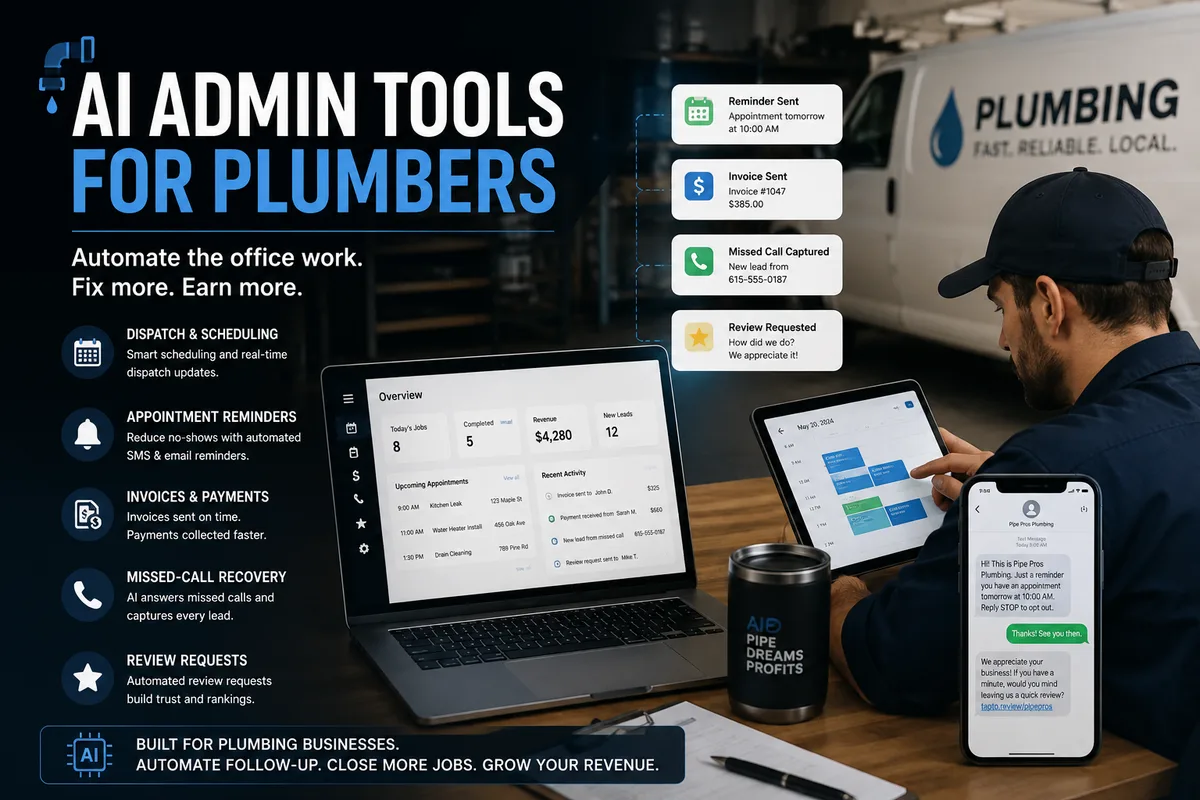
AI Admin Tools for Plumbers: What They Are and How to Choose
AI admin tools automate dispatch, reminders, invoicing follow-up, missed calls, and review requests for plumbers. What they do and how to choose.

Insurance Eligibility Automation for Physical Therapy Clinics
Eligibility automation for physical therapy clinics verifies benefits before the patient arrives, cuts front desk phone work, and can lower claim denial risk.
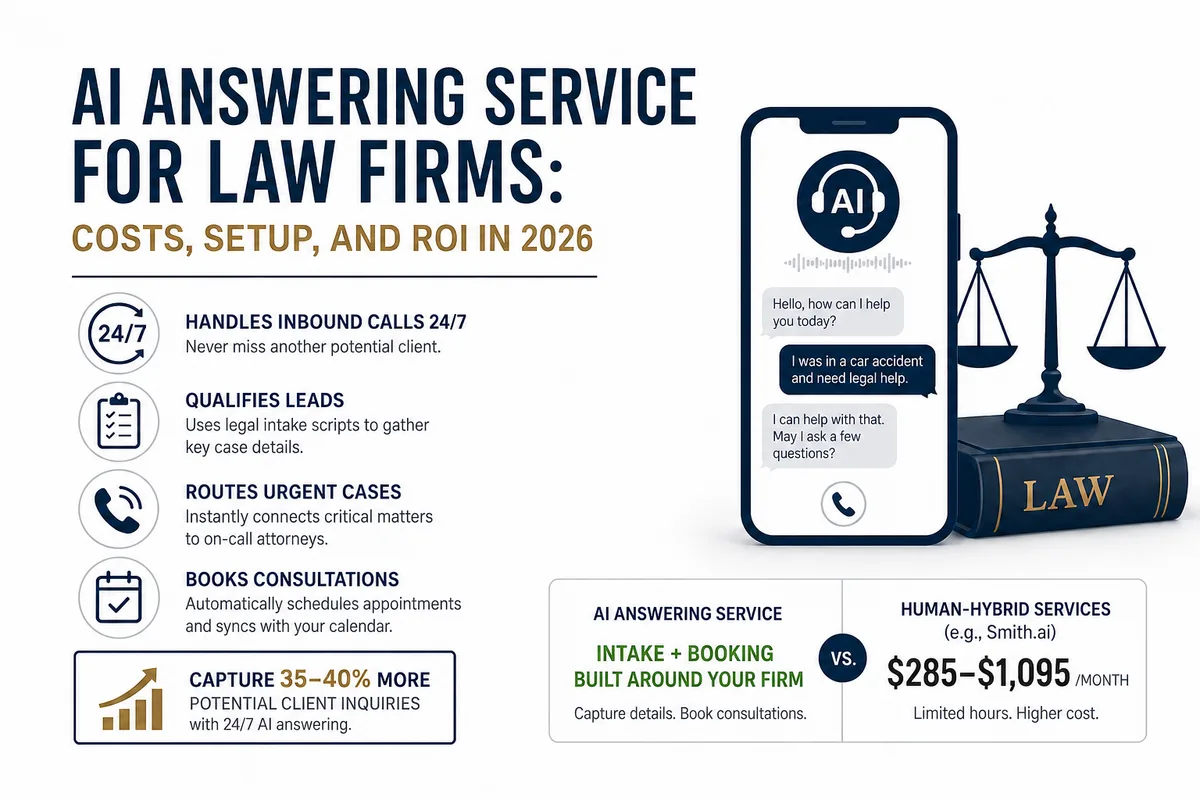
AI Answering Service for Law Firms: Costs, Setup, and ROI in 2026
Law firms miss a large share of inbound calls, most of them after hours. Here's what an AI answering service actually does, what it costs versus human.