
Industry Insights
How to Test the 5-Minute Rule for HVAC Leads
Use five minutes as an HVAC callback target. Track reply time, booked work and completed jobs to see what faster responses change for your own business.
The free 30-minute AI Operations Audit is a conversation about a normal week in your business and where the work piles up. We find the one change that would give you the most time back and send you a plain-English plan for it. No forms and no pitch.
Book a free AI audit
Patrick Gibbs
Use five minutes as a callback target during covered hours. Record when the inquiry arrived, when a person or answering service first reached the customer, and whether the job was booked and completed. Those records tell you whether faster replies earn more work at your shop.
What the lead-response research measured
In “The Short Life of Online Sales Leads”, James B. Oldroyd, Kristina McElheran and David Elkington reported that businesses that contacted online leads within an hour were more likely to qualify them than businesses that waited longer. The 2011 study measured qualification across industries. It didn’t measure an HVAC contractor’s chances of closing a sale within five minutes.
Two people can answer the same call quickly and get different results. One has a technician available this afternoon. The other can only add the customer to a waitlist. Keep dispatch availability, job type and time of day with the call record so you can interpret the result.
Measure your own callback window
Use a recent week of phone and web inquiries. Keep unanswered inquiries in the count. Mark automated acknowledgements separately from conversations where someone could actually book a visit. Put leads in three groups: reached within five minutes, reached later, and never reached. For each group, count appointments booked, jobs completed and cancellations.
If urgent repair calls arrive while the team is already booked, answering faster can still help a customer get a clear next step. It doesn’t create another technician. Our guide to how HVAC companies capture emergency calls shows how to route urgent calls. Use the real cost of those missed calls worksheet to model the part of that demand your team could serve.
The Real Cost of Slow Response: A Calculator
Let’s put concrete numbers to this problem. Here’s how to calculate what slow response is costing your HVAC business:
Step 1: Calculate Your Current Situation
| Metric | Your Number |
|---|---|
| Total leads per month | _____ |
| Average response time | _____ minutes |
| Current conversion rate | _____% |
| Average job value | $_____ |
| Monthly revenue from leads | $_____ |
Step 2: Calculate the 5-Minute Scenario
Now model what happens if you answer first. Pick a conservative improved conversion rate based on your own close rate when you DO reach a lead quickly:
| Metric | Calculation | Result |
|---|---|---|
| Improved conversion rate | Your close rate on fast-response leads | _____% |
| Additional completed jobs | (New completed-job rate - current rate) × total leads | _____ jobs |
| Additional monthly revenue | Additional completed jobs × average job value | $_____ |
| Additional annual revenue | Monthly × 12 | $_____ |
Worked Example (Hypothetical)
Figures in this section are illustrative planning assumptions, not measured industry data.
Plug in illustrative numbers to see the shape of the math: a company with 180 leads a month and a $1,400 average job converts some share of leads today. Every point of conversion it gains by answering first is worth 180 × 1% × $1,400 = $2,520 per month, over $30,000 a year, per point. Win several points of conversion by being the first responder and the annual impact reaches six figures. Run the same arithmetic with your own lead volume and job value.
Why HVAC Companies Are So Slow (And How to Fix It)
If fast response is so important, why are HVAC companies so slow to respond? The reasons are understandable, but fixable:
Problem 1: Technicians Can’t Answer While Working
When your techs are on job sites, under houses, or on rooftops, they can’t answer phones. By the time they finish the job and check messages, hours have passed.
Coverage option: Route unanswered calls to a trained backup or a voice assistant with a tested staff handoff. The Dallas HVAC example illustrates how a voicemail replacement could work.
Problem 2: After-Hours and Weekend Gaps
A large share of HVAC calls comes outside business hours. When your office is closed, calls go to voicemail, and most of those callers never leave a message.
Coverage option: Define what the after-hours service can book and who takes urgent calls. Test the fallback when nobody on call answers.
Problem 3: Call Volume Overwhelm
During heat waves and cold snaps, call volume can spike sharply. Even with staff, you can’t answer every call immediately. Learn how top contractors handle 100+ calls per day during busy season without hiring.
Coverage option: Ask the provider for its concurrent-call limit and overflow behavior. Test a burst at the volume you expect during a storm.
Problem 4: Inconsistent Qualification
Even when you do answer quickly, new or overwhelmed staff may not ask the right questions to properly qualify leads.
Coverage option: Give staff and software the same intake checklist. Sample calls each week to see which details were missed.
The 5-Minute Rule: Your Action Plan
Use the next four weeks to see whether a five-minute target helps your dispatch team.
Phase 1: Measure (Week 1)
Before you can improve, you need to know where you stand:
- Pull your call logs for the last 30 days
- Calculate average response time
- Count how many calls went to voicemail
- Identify peak call times and gaps
- Survey recent customers: “How long did you wait for a response?”
Phase 2: Immediate Wins (Week 2)
Quick fixes that cost nothing:
- Set phone notifications to maximum volume
- Enable SMS alerts for new voicemails
- Create email auto-responders acknowledging inquiries immediately
- Establish a “5-minute rule” policy with your team
- Reward staff for fastest response times
Phase 3: Technology Deployment (Weeks 3-4)
Try these response options during your busiest covered hours:
- Deploy AI voice assistant for after-hours coverage
- Integrate AI with your calendar for instant booking
- Set up automated SMS confirmations for all inquiries
- Connect AI to your CRM for clean lead tracking
Phase 4: Optimization (Month 2+)
Continuous improvement:
- Monitor response time metrics weekly
- Review AI call recordings for quality
- Refine qualification scripts based on conversion data
- Expand AI to handle overflow during business hours
The Technology Stack for 3-Second Response
Here’s what you need to achieve near-instant response times:
Core: AI Voice Assistant
An AI voice assistant that can:
- Meet your agreed time-to-answer target under the expected call volume
- Qualify leads using your criteria
- Book appointments in real-time
- Escalate emergencies appropriately
- Handle tested peak concurrency and send overflow to a named backup
Expected investment: a flat monthly rate Check: which calls were answered and which reached the fallback?
Integration: Calendar and CRM
Connect your AI to:
- Google Calendar or Outlook for scheduling
- ServiceTitan, Housecall Pro, or Jobber for dispatch
- HubSpot, Salesforce, or Pipedrive for CRM
- SMS platform for customer notifications
Cost to check: integration setup, vendor access and maintenance Check: whether bookings and corrections land in the dispatch calendar
Enhancement: Multi-Channel Automation
Expand beyond phone calls:
- Website chatbot for instant web engagement
- Automated SMS follow-up sequences
- Email auto-responders with booking links
- Social media message automation
Expected investment: a modest monthly add-on Expected impact: meaningful lift in web engagement and conversions
The ROI of Speed: How to Think About It
Count setup, minutes, monitoring, integrations and staff review in your cost estimate.
The return side comes from three places:
Direct revenue impact:
- Additional callers reached during after-hours coverage
- Additional completed jobs traceable to those callers
Efficiency gains:
- Front-office hours back every week
- Leads qualified in minutes instead of whenever someone gets free
- Fewer no-shows once automated reminders are in place
Subtract the cost of delivering the additional jobs, then subtract the cost of coverage. Compare the resulting contribution with your baseline.
Illustrative Scenario: Speed-to-Lead Transformation
For a growing HVAC provider, the operational upside of instant AI call answering is easiest to understand as a planning scenario:
Before:
- Response time: the better part of an hour (leading to high call abandonment)
- Call capture rate: many missed or delayed responses
- Monthly appointments: around 85
After implementing AI for instant response:
- Average response time: under 3 seconds
- Call capture rate: far more calls answered while intent is still high
- Monthly appointments: meaningfully higher if the added response speed turns into booked jobs
Expected Results: By answering in seconds instead of minutes, contractors can capture substantially more opportunities and convert them at a higher rate, turning speed into a measurable revenue lever. Read more in our HVAC voice automation guide.
For a broader view, see Best AI Tools for Insurance Agents in 2026.
Your Next Steps
If you’re serious about growing your HVAC business, speed-to-lead must be your top priority. Here’s what to do right now:
Today:
- Calculate your current average response time
- Determine how much revenue you’re losing to slow response
This Week:
- Research AI voice assistant solutions
- Request demos from 2-3 providers
- Calculate your specific ROI projection
This Month:
- Implement AI voice automation
- Set up 24/7 answering coverage
- Track response time and conversion metrics
This Quarter:
- Optimize based on data and results
- Expand automation to other channels
- Scale your marketing (you can now handle the leads)
Review the trial
Keep the coverage change if it helps callers reach someone who can act, staff can handle the resulting jobs, and the extra contribution covers the cost. Compare similar shifts and record changes in weather, marketing spend or technician availability alongside the figures.
Ready to answer first and win more jobs? Get a free speed-to-lead audit from Epiphany Dynamics and discover how much revenue slow response times are costing you.
Frequently Asked Questions
Q: What does the research actually say about the 5-minute lead response rule?
The 2011 Harvard Business Review study examined online sales leads and reported a relationship between earlier contact and qualification. Five minutes is a target you can test against completed jobs in your own dispatch records.
Q: What is the average HVAC company’s response time to an inquiry?
The cited research does not establish an HVAC-wide average. Calculate your own median and slowest callback times from phone logs. Show the number never reached separately.
Q: How much additional revenue does a 5-minute response time generate for a typical HVAC company?
Compare completed-job rates and average job values in similar shifts before and after the change. Subtract extra staffing and delivery costs. A callback timestamp alone cannot establish how much revenue the change generated.
Q: Why do HVAC companies struggle to respond within 5 minutes?
Calls can arrive while technicians are on a job, when the office is closed or when a storm creates a queue. Assign an owner and backup for each shift, then test the phone system at peak volume.
Q: What is the ROI of implementing AI to achieve 5-minute response times?
Divide the net gain by the full cost of the trial. The net gain is the contribution from additional completed jobs less the cost of the new coverage. Use contribution after job delivery costs and include setup, usage and monitoring in the coverage cost.
Patrick Gibbs
AI Automation Expert
Patrick Gibbs helps professional practices implement AI automation that captures more leads, books more appointments, and scales without adding overhead. He's the founder of Epiphany Dynamics and creator of the AI Front Desk system.
Related Solutions
Build this into a real workflow
Related Posts
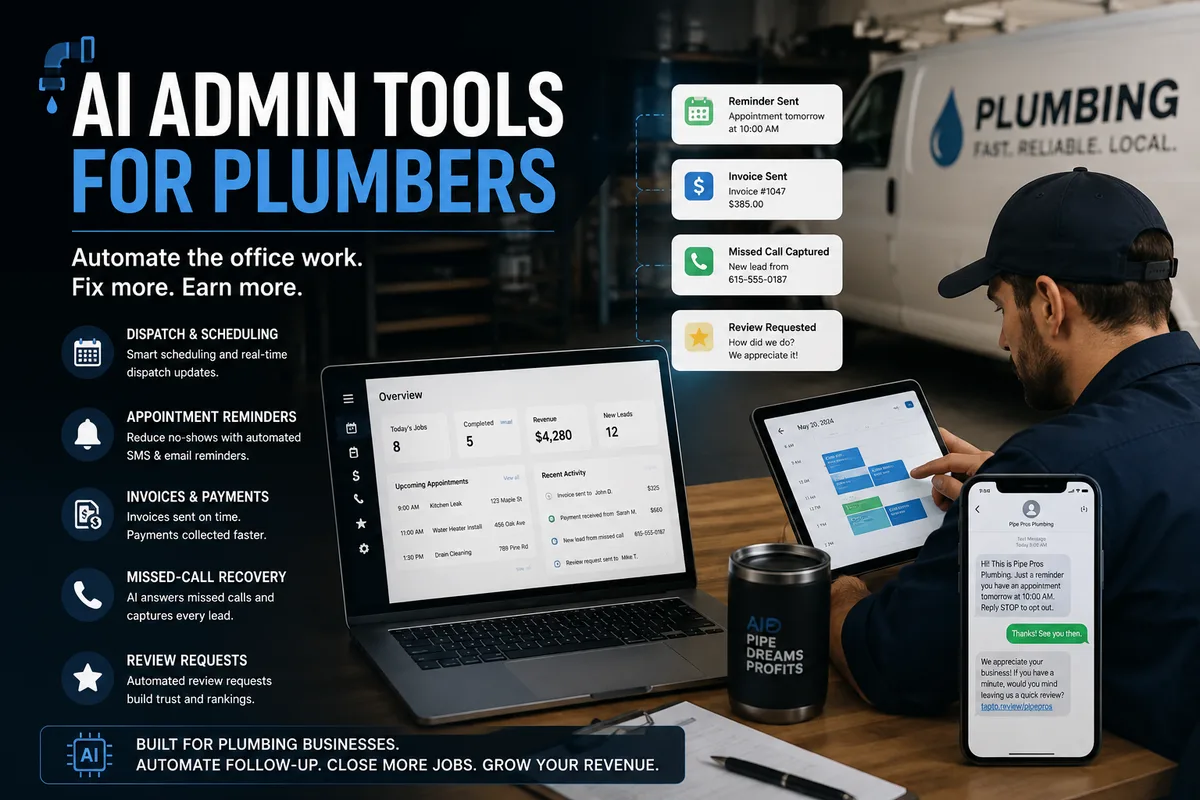
AI Admin Tools for Plumbers: What They Are and How to Choose
AI admin tools automate dispatch, reminders, invoicing follow-up, missed calls, and review requests for plumbers. What they do and how to choose.
Insurance Eligibility Automation for Physical Therapy Clinics
Eligibility automation for physical therapy clinics verifies benefits before the patient arrives, cuts front desk phone work, and can lower claim denial risk.
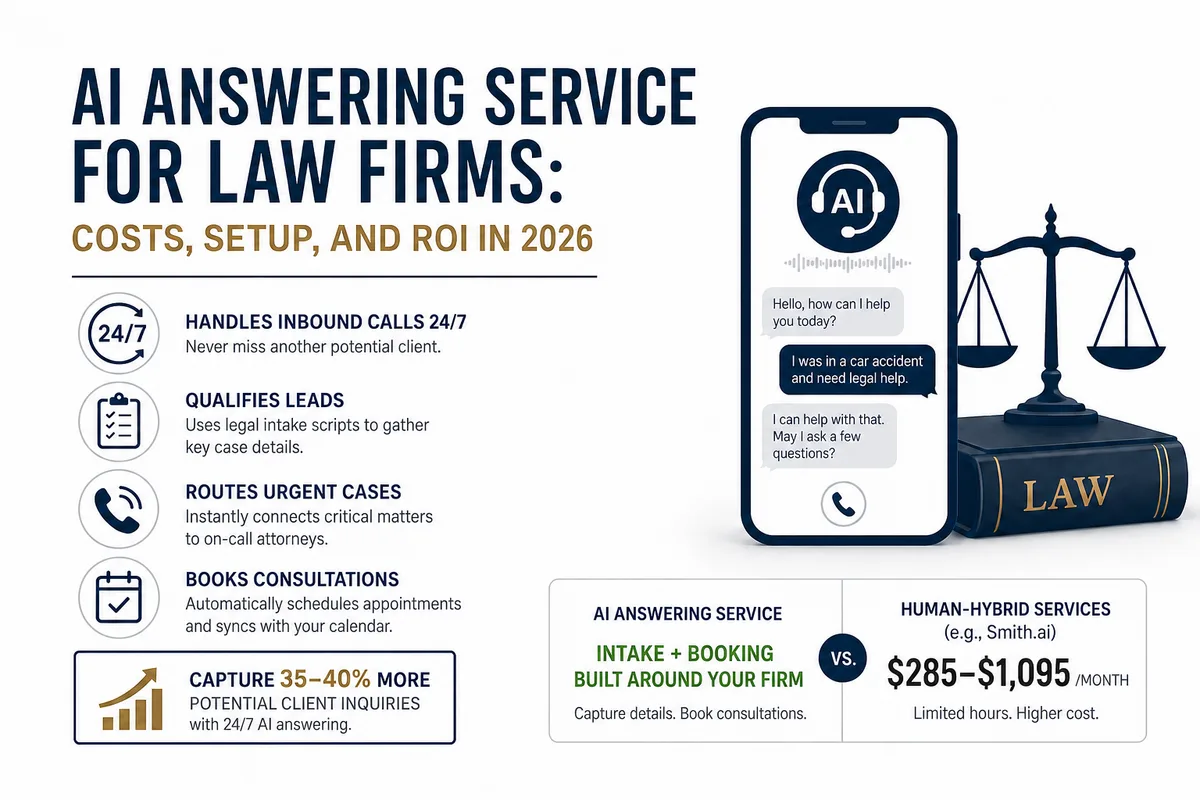
AI Answering Service for Law Firms: Costs, Setup, and ROI in 2026
Law firms miss a large share of inbound calls, most of them after hours. Here's what an AI answering service actually does, what it costs versus human.