
Solutions & Services
AI Front Desk Cost: Pricing, Setup, and How It Works
Every Epiphany Dynamics build is a fixed-price project, quoted in writing after a free 30-minute audit. We do not publish a price list because every build is scoped to your tools and your workflow.
What Epiphany Dynamics charges.
Every Epiphany Dynamics build is a fixed-price project, quoted in writing after a free 30-minute audit. We do not publish a price list because every build is scoped to your tools and your workflow. Ongoing support after launch is optional and priced with the build. Third-party costs such as phone lines and API usage are billed to your own accounts at cost.
See pricingSee what affects AI front desk pricing, how setup works, and how the system answers calls, books appointments, qualifies leads, and hands off to your team.
The free 30-minute AI Operations Audit is a conversation about a normal week in your business and where the work piles up. We find the one change that would give you the most time back and send you a plain-English plan for it. No forms and no pitch.
Book a free AI audit
Patrick Gibbs
An AI front desk typically handles inbound calls, answers common questions, qualifies leads, books appointments, and escalates complex requests to a human team member. Pricing usually depends on call volume, integrations, workflow complexity, and whether the system only answers calls or also books, follows up, and updates your CRM.
What Is an AI Front Desk?
An AI front desk is a phone and intake system that answers inbound calls, handles common questions, qualifies leads, books appointments, and routes complex requests to a human. Businesses use it to cut missed calls without hiring another full-time receptionist.
What an AI Front Desk Actually Does
An AI front desk replaces or supplements your phone receptionist. When someone calls your business, the AI picks up, greets them by name (if they're a returning caller), and handles the conversation naturally. It can book appointments directly into your calendar, answer questions about your hours and services, capture new lead information, transfer urgent calls to your cell phone, and send follow-up texts with appointment confirmations.
The technology behind it is conversational AI, specifically large language models combined with telephony infrastructure. But from the caller's perspective, it sounds like a friendly, competent person on the other end of the line. Callers consistently rate modern AI voice experiences well, and the quality gap with human answering keeps narrowing.
How the Technology Works (Plain English Version)
When a call comes in, the AI converts speech to text, processes the request using a trained language model, generates a response, and converts it back to speech. The goal is a fast enough loop that the caller does not feel an awkward delay in conversation.
Here's the step-by-step flow:
Call routing: Your existing business number forwards to the AI system. No number change needed. Callers dial the same number they always have.
Greeting: The AI answers with a custom greeting you've written. "Thanks for calling Riverside Dental, this is Sarah. How can I help you today?" You pick the name, the tone, the script.
Intent recognition: The AI listens to what the caller needs and classifies it. Booking an appointment? Asking about pricing? Reporting an emergency? Each gets handled differently based on rules you set during setup.
Action execution: If the caller wants to book, the AI checks your live calendar, offers available slots, and confirms the booking. If they want information, it pulls from your FAQ database. If it's an emergency or something outside its scope, it transfers to a human.
Post-call follow-up: After hanging up, the system sends a confirmation text to the caller, logs the call details in your CRM or dashboard, and (optionally) sends you a summary notification.
AI-handled booking calls can resolve quickly because the system doesn't put callers on hold, doesn't need to search manually for standard information, and doesn't get sidetracked.
What It Costs: The Main Drivers
AI front desk pricing usually depends on included usage, call volume, setup depth, calendar and CRM integrations, custom voice or persona requirements, and the support model. Most small businesses should compare total workflow fit, not just the headline monthly price.
These are market ranges, not an Epiphany Dynamics quote. Epiphany Dynamics scopes each front desk build after the free audit so pricing matches call volume, integrations, and support needs.
| Cost Component | Lower-Complexity Setup | Managed Small-Business Setup | Enterprise Setup |
|---|---|---|---|
| Monthly subscription | Basic call handling and limited support | More usage, integrations, and support | Custom support model and governance |
| Included minutes | Limited usage | Higher usage allowance or bundled volume | Custom usage terms |
| Setup/onboarding fee | Self-serve or light onboarding | Configured scripts and integrations | Custom workflows and implementation support |
| Per-minute overage | Can matter if call volume grows | Often easier to forecast | Negotiated or bundled |
| Calendar integrations | Basic calendar connection | Multiple scheduling rules or calendars | Full custom |
| CRM integration | Limited | Standard | Full API access |
| Custom voice/persona | No | Yes | Yes, with cloning |
For context, a full-time human receptionist includes salary, benefits, PTO, training, management time, and limited staffed hours. See our full AI vs human receptionist ROI breakdown for the complete cost picture. The comparison should be total coverage and productivity, not just software price versus salary.
AI Front Desk Cost vs AI Receptionist Cost
"AI front desk cost" and "AI receptionist cost" usually describe the same core system priced the same way: by call volume, integrations, and how much the AI does beyond simply answering. The term people search for tends to reflect the business. Front-office and appointment-based teams say front desk, while solo operators and clinics often say receptionist. Whichever phrase you use, compare total workflow fit and recovered bookings rather than the headline monthly price alone.
AI Receptionist vs. Human Receptionist vs. Traditional Answering Service
Each option has clear tradeoffs. AI wins on cost and availability. Humans win on complex empathy-driven conversations. Traditional answering services fall in the middle but are losing ground on both ends.
| Factor | AI Front Desk | Human Receptionist | Answering Service |
|---|---|---|---|
| Monthly cost | Platform, setup, usage, and monitoring | Payroll, benefits, training, and management | Plan, usage, and message-relay limits |
| Hours of coverage | Always-on when configured | Limited to staffed schedule | Broad coverage, varies by provider |
| Simultaneous calls | Limited by the configured platform and carrier capacity | One caller at a time per person | Depends on staffing |
| Appointment booking | Direct calendar access | Direct calendar access | Booking support depends on the service and integration |
| Response consistency | Consistent when the knowledge base is maintained | Varies by day/mood | Varies by operator |
| Knowledge of your business | Trained on your data | Deep (over time) | Minimal script only |
| Complex/emotional calls | Limited (transfers out) | Strong | Moderate |
| Setup time | Depends on call-flow and integration depth | Depends on hiring and training | Depends on vendor onboarding |
| Scalability | Instant | Hire another person | Pay higher tier |
| Turnover risk | None | Recruiting and retention risk | High operator churn |
The strongest use case for AI is high call volume combined with simple, repetitive call types: appointment booking, hours/location questions, new patient intake, service pricing inquiries. Most inbound business calls fall into these categories, which means AI can handle the bulk of a typical small business's call volume without human involvement. For a deeper look at the current state of the technology, see our guide on whether AI can handle phone calls in 2026.
Setup: What the Process Looks Like
Setup depends on scope. The process involves configuring your business information, training the AI on your FAQs, integrating your calendar, setting call routing rules, and testing with real calls before going live.
Here's what a typical onboarding looks like:
Discovery and configuration. You provide your business details: services offered, pricing (if you share it over the phone), hours of operation, appointment types, staff names, and any special instructions. Most providers give you a form or questionnaire to fill out.
AI training. The provider loads your FAQs, scripts, and business rules into the system. They configure how the AI handles different call types. For example: "If someone asks about Botox pricing, quote the consultation fee and offer to book." Or: "If someone says it's an emergency, transfer immediately to Dr. Chen's cell."
Integration and testing. Calendar systems get connected (Google Calendar, Calendly, Acuity, Jane, ServiceTitan, or whatever you use). Your phone number gets forwarded. The team runs test calls to make sure everything works correctly.
Go live. Real calls start flowing through the AI. Responsible providers monitor the early calls closely and make adjustments based on actual call patterns.
What to Expect During Early Rollout
The early rollout is a calibration period. Expect straightforward calls to work first, while unusual requests, accents, unclear caller intent, and edge cases require transcript review and training updates.
Learning curve. The AI will handle straightforward calls well but may stumble on unusual requests, heavy accents, or callers who go off-script. You'll get transcripts of every call, and this is when you flag issues. Common early fixes include adding FAQ answers the AI didn't have, adjusting the greeting script, and tweaking call transfer rules.
Settling in. Call handling quality usually improves as the initial fixes take effect. Your staff starts trusting the system and checking the dashboard less frequently. Repeat callers get a better experience because the system already has their information.
Optimization. Once you have enough data to see patterns, review which call types are most common and where the AI still struggles. Businesses using AI voice assistants should measure booked appointments against the calls that previously went to voicemail, especially after hours.
For more on this area, see AI Answering Service for Salons: Cost, Setup, and Real ROI in 2026.
Who Should (and Shouldn't) Get an AI Front Desk
An AI front desk is a strong fit for appointment-based businesses with steady call volume, after-hours demand, and repetitive inbound inquiries. It's a poor fit for businesses where every call requires deep expertise, emotional sensitivity, or complex negotiation.
Strong fit:
- Med spas, dental practices, chiropractic offices
- HVAC, plumbing, electrical contractors (see this HVAC automation case study)
- Law firms (intake and scheduling)
- Real estate offices
- Veterinary clinics
- Salons and barbershops
- Property management companies
Weaker fit:
- Crisis counseling or mental health hotlines
- Complex B2B sales with long discovery calls
- Businesses with very low call volume (may not justify the cost)
- Industries with heavy regulatory call requirements (some healthcare scenarios)
Common Mistakes to Avoid
The biggest mistake businesses make is setting up the AI and never reviewing call transcripts. The second biggest is failing to update the training data when services, pricing, or hours change.
Skipping the transcript review. Every AI front desk provider gives you call logs and transcripts. Review them regularly after launch. You'll catch gaps in the AI's knowledge that you didn't anticipate during setup.
Overcomplicating the call flow. Start simple. Answer common questions, book appointments, and transfer everything else. You can add complexity later. Businesses that try to automate every call type immediately usually end up with a worse caller experience than if they'd started with a narrow, reliable scope.
Not telling callers. Transparency matters. A brief "You're speaking with our AI assistant" at the start of the call prevents confusion, and most callers say they don't mind talking to an AI if it handles their request quickly.
Forgetting to update. Changed your hours for a holiday? Added a new service? Raised prices? The AI won't know unless you update it. Set a recurring reminder to review and refresh your training data.
ROI: When Does It Pay for Itself?
The ROI math is straightforward: compare the AI platform, setup, and monitoring cost against the value of appointments or jobs that would otherwise have gone to voicemail. Use your own call logs, booking rate, and appointment value instead of a generic example.
Here's a simple ROI framework:
| Metric | Your Numbers | How to Fill It In |
|---|---|---|
| Missed calls per week (current) | _____ | Use your phone system logs |
| Booking-attempt share | Your estimate | Estimate from call recordings or tags |
| Booking conversion rate | Your estimate | Use answered-call booking data |
| Average appointment value | Your value | Use your revenue or production reports |
| Monthly recovered revenue | Your calculated result | Calculated from your inputs |
| Monthly AI cost | Your quoted cost | Use the quoted platform and support cost |
| Net monthly gain | Your calculated result | Recovered revenue minus AI cost |
The calculation is:
Net impact = missed bookable calls x booking rate x average appointment value - AI platform, setup, and monitoring cost
Use our cost of missed calls calculator to run the exact numbers for your business. This doesn't account for the less obvious benefits: reduced hold times improving overall patient satisfaction (which drives referrals), consistent after-hours coverage building trust with new callers, and freed-up staff time that lets your existing team focus on in-person service instead of being chained to the phone.
For detailed pricing, see the AI secretary cost breakdown. Check the voice AI adoption data for small businesses for market context. Learn how to reduce front desk costs with AI automation across your operation.
Use the phone workload cost guide to separate coverage costs from actual cash savings. Contractor teams should also review the dispatch acceptance checks before treating a captured call as a booked job.
Ask for a call-to-calendar acceptance record
Before counting a call as a recovered booking, match its call identifier to an appointment in the real scheduling system. Record the requested service, available slot, confirmation and any staff handoff. A conversation transcript that says booked isn't enough if the appointment never reached the calendar.
Use an illustrative pilot with a routine booking, a caller who changes their mind, a calendar outage and a request outside your service area. Agree on the expected outcome before testing. Review the failures alongside successful calls so a smooth demo doesn't hide an unreliable handoff.
For the financial check, separate time freed for other work from payroll spending actually avoided. Compare completed-job contribution after delivery costs with software, usage, implementation and monitoring costs over the same period. This is a measurement method, not a promise of savings.
Frequently Asked Questions
Q: Can callers tell they're talking to an AI?
Sometimes, but less often than you'd expect. Modern AI voice systems use natural-sounding voices with realistic pacing, filler words, and intonation. On routine calls like appointment booking, many callers can't reliably tell a modern AI system from a human receptionist. On more complex or emotional conversations, they usually can.
Q: What happens when the AI can't handle a call?
It transfers to a human. You set the rules for when this happens during setup. Common transfer triggers include: caller explicitly asks for a person, the AI detects frustration or confusion, the call involves a topic outside its training, or the caller appears to be calling back because the first interaction did not resolve the issue.
Q: Do I need to change my phone number?
No. Your existing business number stays the same. The AI connects through call forwarding, SIP trunking, or direct carrier integration depending on the provider. Callers dial the same number they always have.
Q: How does it handle multiple calls at the same time?
An AI front desk can handle simultaneous routine calls. Callers get answered without hold music, busy signals, or "please call back later." This is one of the clearest advantages over both human receptionists and traditional answering services.
Q: What if my business has unusual operating procedures?
Any reputable provider customizes the AI for your specific business. If you require a credit card before booking, the AI collects it. If certain appointment types need specific staff members, the AI routes accordingly. If you have a cancellation policy that needs to be read aloud, it does that too. The customization happens during setup and can be adjusted anytime.
Q: Is it HIPAA compliant?
Many AI front desk providers offer HIPAA-compliant options, but not all do. If you're in healthcare, confirm HIPAA compliance and ask to see their Business Associate Agreement (BAA) before signing. Key things to verify: encrypted call recordings, compliant data storage, and audit logging. This is non-negotiable for medical and dental practices.
Q: Can I try it before committing?
Many providers offer a trial, guarantee, or limited pilot. Our comparison of which AI tools replace phone reception fastest covers realistic deployment considerations across the major platforms. Some will run a pilot where the AI handles after-hours calls only, letting you test the system without disrupting your daytime operations. Ask about pilot options if you're not ready for a full rollout.
Get an AI front desk cost breakdown for your business. Book a free consultation with Epiphany Dynamics for a personalized cost estimate and setup timeline. We configure AI receptionists for businesses across service industries and integrate them with your existing calendar and CRM. Browse our AI phone system comparisons and setup guides to get started.
Patrick Gibbs
AI Automation Expert
Patrick Gibbs helps professional practices implement AI automation that captures more leads, books more appointments, and scales without adding overhead. He's the founder of Epiphany Dynamics and creator of the AI Front Desk system.
Related Solutions
Build this into a real workflow
Related Posts
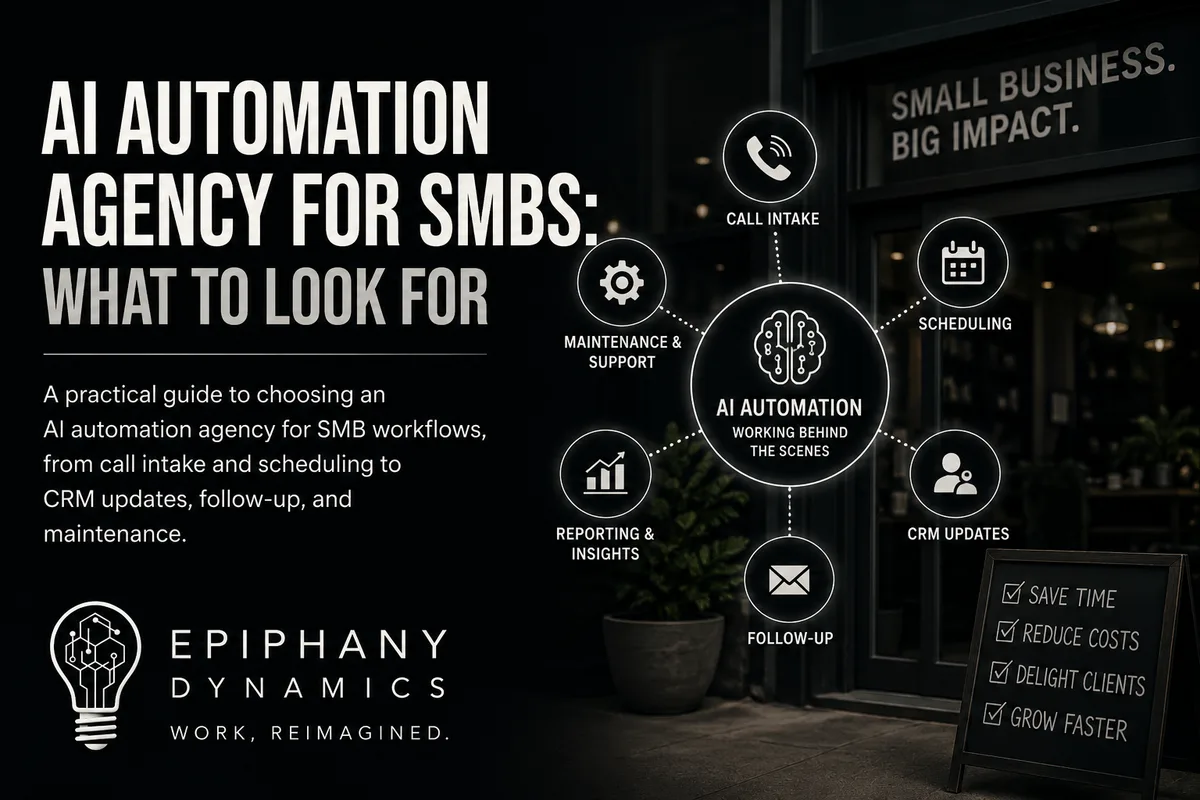
AI Automation Agency for SMBs: What to Look For
A practical guide to choosing an AI automation agency for SMB workflows, from call intake and scheduling to CRM updates, follow-up, and maintenance.
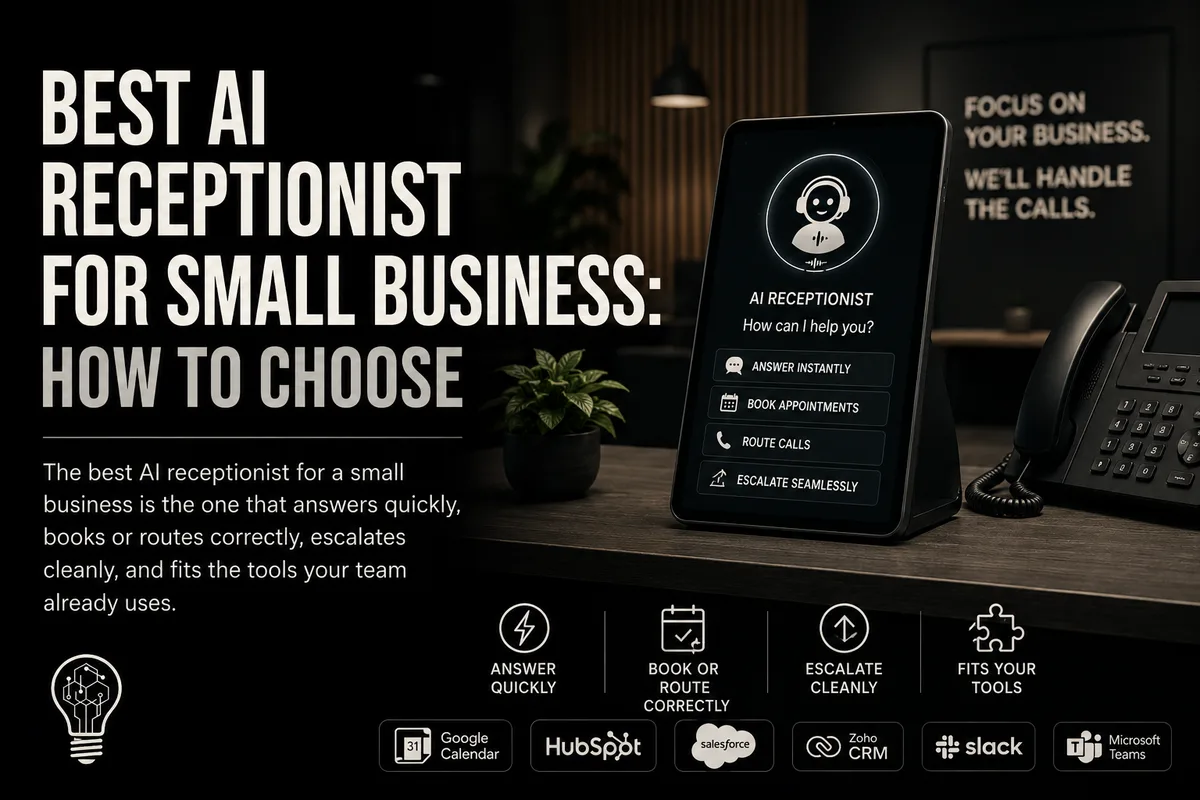
Best AI Receptionist for Small Business: How to Choose
The best AI receptionist for a small business is the one that answers quickly, books or routes correctly, escalates cleanly, and fits the tools your team.
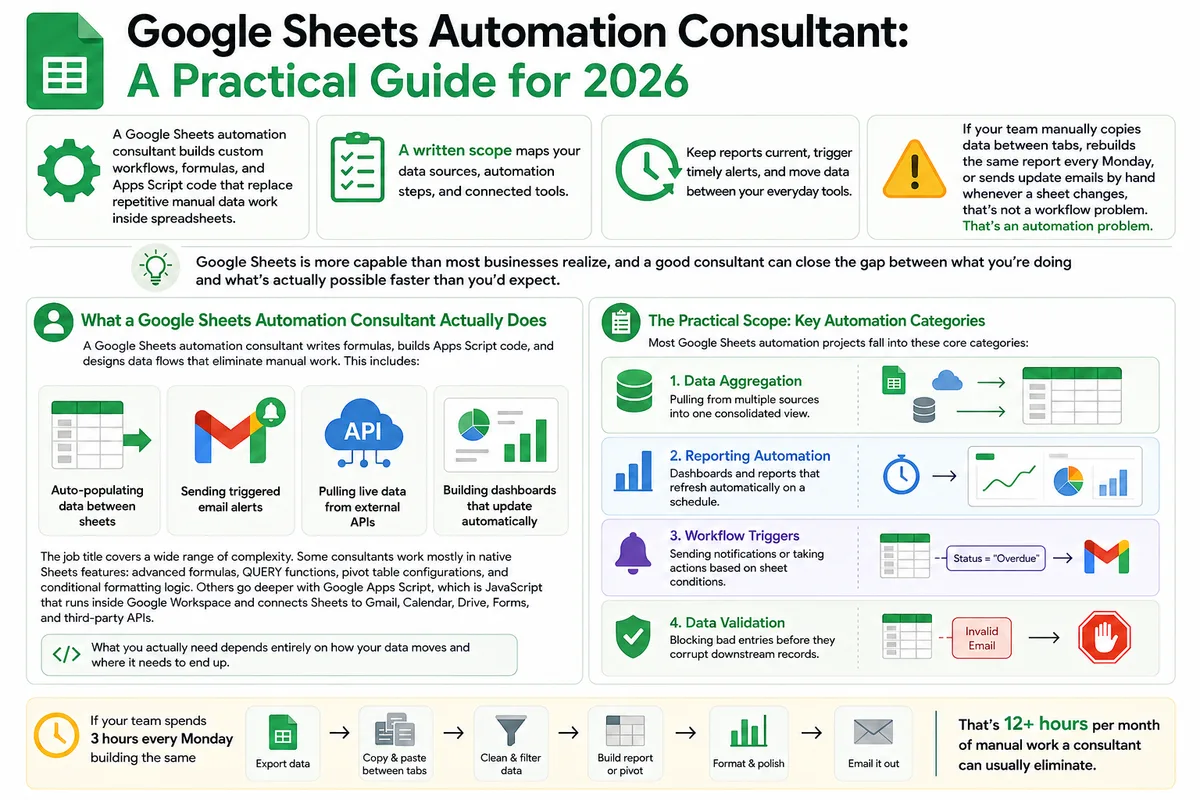
Google Sheets Automation Consultant: A Practical Guide for 2026
Most businesses don't track what spreadsheet work actually costs them. Here's what a Google Sheets automation consultant does in 2026, how to judge the value.