
AI Automation
AI Secretary Cost: Real Pricing, Hidden Fees, and ROI in 2026
Replacing or supplementing reception with AI can reduce staffing pressure, but the sticker price is only part of the story.
The free 30-minute AI Operations Audit is a conversation about a normal week in your business and where the work piles up. We find the one change that would give you the most time back and send you a plain-English plan for it. No forms and no pitch.
Book a free AI audit
Patrick Gibbs
An AI secretary can be priced as a subscription, a usage-based phone system, a managed service, or a custom-built voice AI. The number that matters is the full cost to answer, route, schedule, and follow up on calls reliably, compared with the cost of staffing or missed calls today.
If you've been searching this topic, you've probably already noticed the pricing pages don't help. "Starting at" language rarely explains what triggers overage charges, what it actually costs to get set up, or what you're giving up at the entry tier. This article cuts through that with pricing structures and a framework for calculating whether any of this makes financial sense for your specific business.
What an AI Secretary Actually Costs in 2026
AI secretary pricing usually falls into tiers: entry-level hybrid services, AI-native subscription platforms, custom AI agents, and enterprise or self-owned builds. Each tier shifts cost between software, usage, setup, support, and the amount of complexity the system can handle without a person stepping in.
Pricing has dropped fast in the past two years. What used to require a six-figure enterprise contract is now available as a monthly subscription. But "AI secretary" covers a wide range of products, from basic voicemail transcription to fully autonomous agents that handle complex inbound calls, book appointments, and update your CRM without any human involvement. The price difference reflects real capability gaps, not just marketing tiers. For a deeper look at what AI phone systems actually do in 2026, the technology has matured well past the demo stage.
| Tier | Cost Driver | What's Included | Best For |
|---|---|---|---|
| Entry-level (hybrid) | Usage caps, escalation rules, and human backup coverage | Call answering, message relay, basic scheduling. Human agents back up the AI on complex calls. | Low-volume businesses, after-hours overflow coverage |
| Mid-tier AI-native | Call volume, scheduling depth, CRM sync, and script customization | Full call handling, appointment booking, CRM sync, custom call scripts | SMBs with 100 or more inbound calls per month |
| Custom AI agent | Setup scope, business-specific call flows, integrations, and monitoring | Business-specific training, complex call flows, escalation logic, ongoing optimization | Law firms, medical practices, high-volume service businesses |
| Enterprise / DIY build | Infrastructure ownership, custom integrations, and multi-location support | Full infrastructure ownership, deep custom integrations, multi-location support | Franchise operations, large organizations |
The entry-level tier is often marketed as "AI-powered" when it's really a hybrid model where human agents step in whenever a call gets complicated. That isn't necessarily a problem, but it's different from a true AI system. Per-minute pricing at this tier can also add up quickly when average call length or call volume rises. At meaningful volume, flat-rate or managed pricing may be easier to budget.
Human Receptionist vs. AI Secretary: Running the Numbers
The human-versus-AI comparison should include salary, taxes, benefits, paid time off, onboarding, supervision, and turnover on one side, then subscription, setup, integration, monitoring, and escalation costs on the other. The AI option often looks cheaper for phone-heavy work, but only if it actually handles the calls your business receives.
| Cost Category | Human Receptionist | AI Secretary |
|---|---|---|
| Base salary / subscription | Salary or hourly compensation | Subscription, usage, or managed-service fee |
| Payroll taxes | Employer tax burden | Not usually part of software pricing |
| Health insurance | Benefits cost if offered | Not applicable |
| Paid time off | Coverage gap or backfill requirement | Not applicable |
| Setup / onboarding | Hiring, training, and ramp time | Configuration, testing, and workflow design |
| Voice licensing (if applicable) | Not applicable | May apply for premium synthetic voices or call recording |
| Total cost | Salary plus overhead and replacement risk | Platform plus implementation and support |
For even more detail on the human vs AI cost comparison, see our full AI receptionist ROI breakdown. There are real limits to that comparison. A human receptionist does things an AI can't: greeting walk-in clients, managing physical mail, handling requests that require judgment about physical presence. If those tasks represent a significant share of the role, a pure AI replacement doesn't work. For a service business where reception means primarily inbound calls, scheduling, and answering common questions, an AI handles the overwhelming majority of the work at a fraction of the cost. That's a clean business decision.
One cost people consistently undercount is turnover. Each replacement adds recruiting, onboarding, supervision, and productivity drag while the new hire gets up to speed. The AI doesn't give notice, call in sick, or ask for a raise after the first contract term, but it does require monitoring and periodic tuning.
The Four Billing Models You'll Actually See
AI secretary services use four common billing structures: per-minute billing, monthly subscription tiers, usage-based API billing for self-built systems, and project-based custom builds with ongoing support. Per-minute billing can become expensive at meaningful call volume, while flat subscriptions can become expensive when overage terms are unclear.
Per-minute billing is the legacy model, carried over from live virtual receptionist services. It's transparent but punishing at scale. Ask whether providers charge for hold time, transfers, spam calls, and calls that the system answers but does not resolve. Most businesses don't think to ask until they see the bill.
Monthly subscription tiers are now the standard model for AI-native services. Flat rate, set number of minutes or interactions, with overage charges beyond the cap. The detail that matters most: read the overage terms before signing. A plan that looks affordable can get expensive fast if you underestimate your call volume.
Usage-based API billing applies when you build your own system on platforms like Retell.ai, Bland.ai, or Vapi. You pay for LLM inference, voice synthesis, and telephony separately. That's often cheap per call before engineering time, but the tradeoff is real: you need technical resources to build, maintain, and continuously improve the system. Our guide on which AI tools replace phone reception fastest compares these platforms on deployment speed and technical complexity.
Hidden Costs That Blow Up Your Budget
Beyond the base subscription, AI secretary projects may include setup fees, CRM integration charges, premium voice licensing, call recording storage, and ongoing script refinement time. Ask for the total cost through the first contract term, not just the monthly subscription.
Setup fees are common and not always disclosed upfront. A provider with a low monthly headline price may still require onboarding fees to configure call scripts, integrate your calendar, and run quality testing before going live. Always ask for the total cost through the first contract term, not just the monthly rate. That single question changes the comparison math significantly.
CRM integration is another routine surprise. If you're on a widely used platform like HubSpot, Salesforce, or Zoho, many AI secretary services include native integrations in their higher tiers. If you're on a niche or custom system, plan for a custom integration or a middleware tool like Zapier or Make. Small add-ons tend to show up as shocks on the first invoice.
Voice quality matters more than most platforms let on. Default synthetic voices are noticeably robotic, and callers notice more than vendors admit. Upgrading to a premium voice synthesis provider can add cost depending on usage. For a client-facing business, this is usually the right call. Just account for it before you commit to a platform and realize the voice you want costs extra.
Which Businesses Actually Break Even?
Businesses with meaningful inbound call volume, where a missed call means a missed booking or lost sale, usually have the clearest AI secretary business case. Dental offices, HVAC companies, law firms, salons, and real estate agencies often see the fastest ROI because their per-appointment revenue makes the math easier to evaluate.
Consider a solo HVAC contractor who misses calls while on job sites. Many contractors find they can recover significant revenue and scale booking volume by solving this exact problem. The useful calculation is simple: missed calls multiplied by average job value, then adjusted by your real booking rate and the platform cost. Run that with your own call logs before signing.
The businesses that don't see clear ROI tend to fall into two categories: those with already-managed call volume, and those where inbound calls routinely require judgment that current AI can't reliably handle, like complex insurance coordination or multi-party legal intake. A practical test: if most of your incoming calls fall into repeatable categories such as booking, pricing, hours, service questions, or status updates, an AI secretary may handle them well. If your calls regularly require accessing account history or making exception-based decisions, you need either a more sophisticated custom build or a hybrid system.
For additional background, see Can AI Replace a Secretary? What Service Businesses Need to Know in 2026.
How to Calculate ROI Before You Sign Anything
Estimate your missed-call revenue first: multiply your average appointment value by estimated missed calls by your historical close rate. If the recoverable value exceeds the full platform and support cost, the math works in your favor.
Here's the calculation, step by step:
- Count missed calls: Pull recent call logs and count unanswered calls. If you don't have logs, track manually before you buy.
- Estimate your average deal value: What does a converted inbound call typically generate? Include recurring value if relevant, like a patient who returns four times per year.
- Apply your close rate: Not every missed call would have converted. Use your historical rate rather than a vendor's default assumption.
- Calculate missed revenue: [Missed calls] x [Average deal value] x [Close rate]
- Apply an AI capture rate: Use the vendor's tested performance on calls like yours, then discount it until you have your own data.
- Calculate recovered revenue: [Missed revenue] x [AI capture rate]
- Subtract the platform cost. A positive number means positive ROI.
Use our cost of missed calls calculator to find your exact revenue leak before evaluating AI options. One consideration worth naming separately: after-hours coverage. Many businesses discover that their clearest ROI case isn't replacing daytime staff but capturing the calls that come in at 7pm on a Saturday. Those go to voicemail today. With an AI secretary, they get answered and booked, generating revenue that simply didn't exist before. That incremental revenue is often enough on its own to justify the cost, before any daytime savings factor in. The voice AI adoption data for small businesses confirms that after-hours coverage is consistently the first and highest-ROI deployment for most operators.
If you're evaluating AI secretary options for a service business and want to see what a custom build would cost for your specific call volume and workflows, agencies like Epiphany Dynamics design and manage these systems for small business clients across a range of service industries.
For a broader comparison, see AI front desk costs and how it works. Check the AI automation cost and pricing guide for pricing across all tool categories. Learn how to reduce front desk costs with AI automation at every business size.Frequently Asked Questions
Q: How much does an AI secretary save compared to hiring a human receptionist?
Compare the full human cost of reception, including salary, benefits, payroll taxes, hiring, training, and coverage gaps, against the full AI secretary cost, including subscription, setup, integration, monitoring, and escalation. The AI option can be meaningfully cheaper for phone-heavy reception work, but only when the call flow is a good fit.
Q: What hidden fees should I watch for in AI secretary pricing?
Common hidden costs include per-call overage charges, integration fees for CRM or calendar sync, training/setup labor, and charges for human escalation on complex calls in hybrid models. Always ask vendors for their exact overage structure and whether "unlimited calls" actually means unlimited or if thresholds kick in above certain volumes.
Q: At what call volume does an AI secretary make financial sense?
An AI secretary makes financial sense when the recoverable value from answered calls, faster booking, and reduced manual coordination exceeds the full cost of the system. If you're currently missing calls, routing them to voicemail, or paying for part-time reception coverage, run the missed-call calculation before comparing vendors.
Q: Do entry-level AI secretaries charge setup fees on top of monthly pricing?
Some SaaS platforms bundle onboarding into the subscription, while custom-built AI agents usually charge setup before ongoing monthly support begins. For hybrid and mid-tier services, factor in internal admin time to integrate with your calendar and CRM, even when the vendor says onboarding is included.
Patrick Gibbs
AI Automation Expert
Patrick Gibbs helps professional practices implement AI automation that captures more leads, books more appointments, and scales without adding overhead. He's the founder of Epiphany Dynamics and creator of the AI Front Desk system.
Related Solutions
Build this into a real workflow
Related Posts
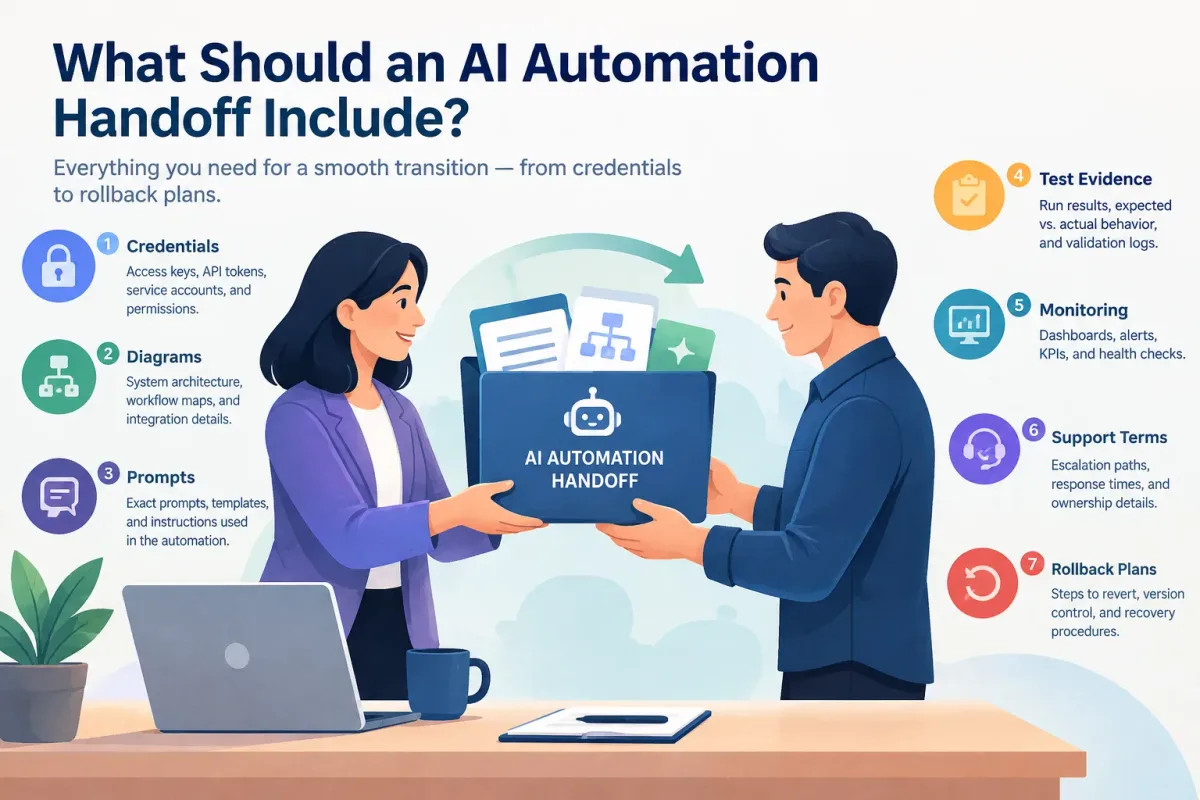
What Should an AI Automation Handoff Include?
Learn what a complete AI automation handoff includes: credentials, diagrams, prompts, test evidence, monitoring, support terms, and rollback plans.
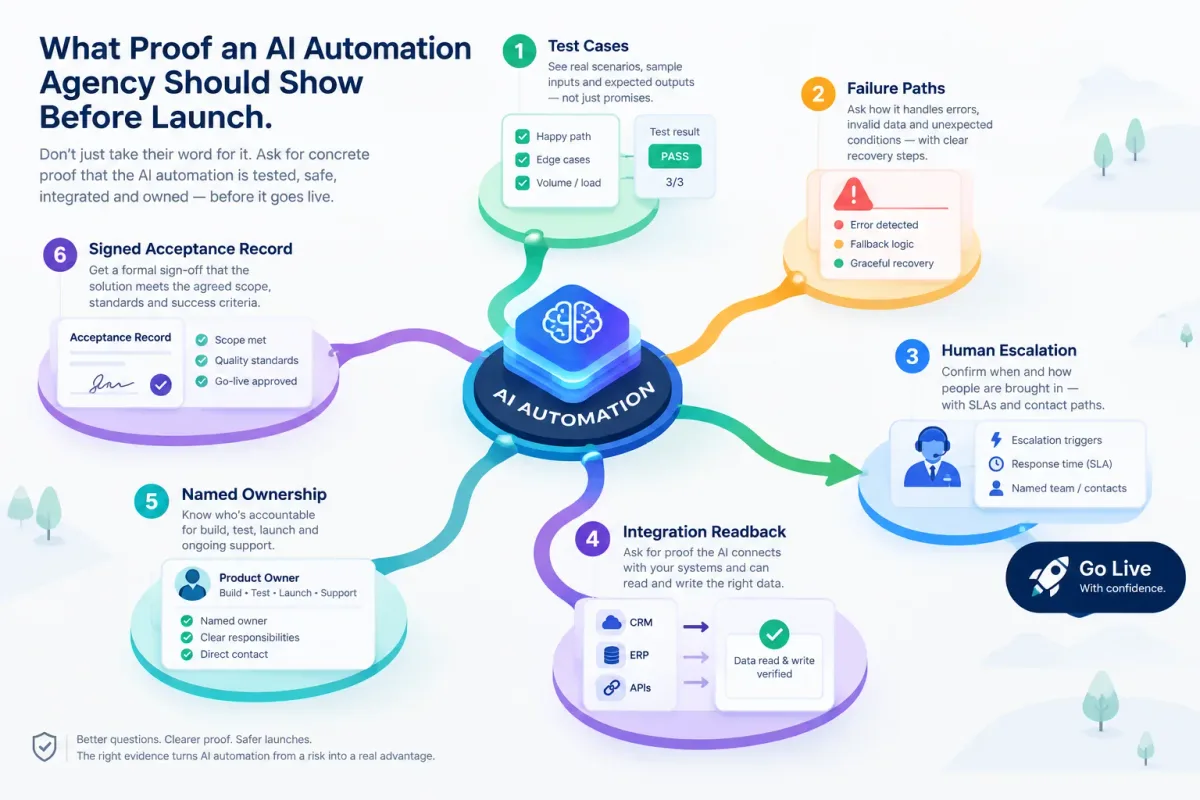
What Proof an AI Automation Agency Should Show Before Launch
Before an AI automation goes live, ask for test cases, failure paths, human escalation, integration readback, named ownership, and a signed acceptance record.
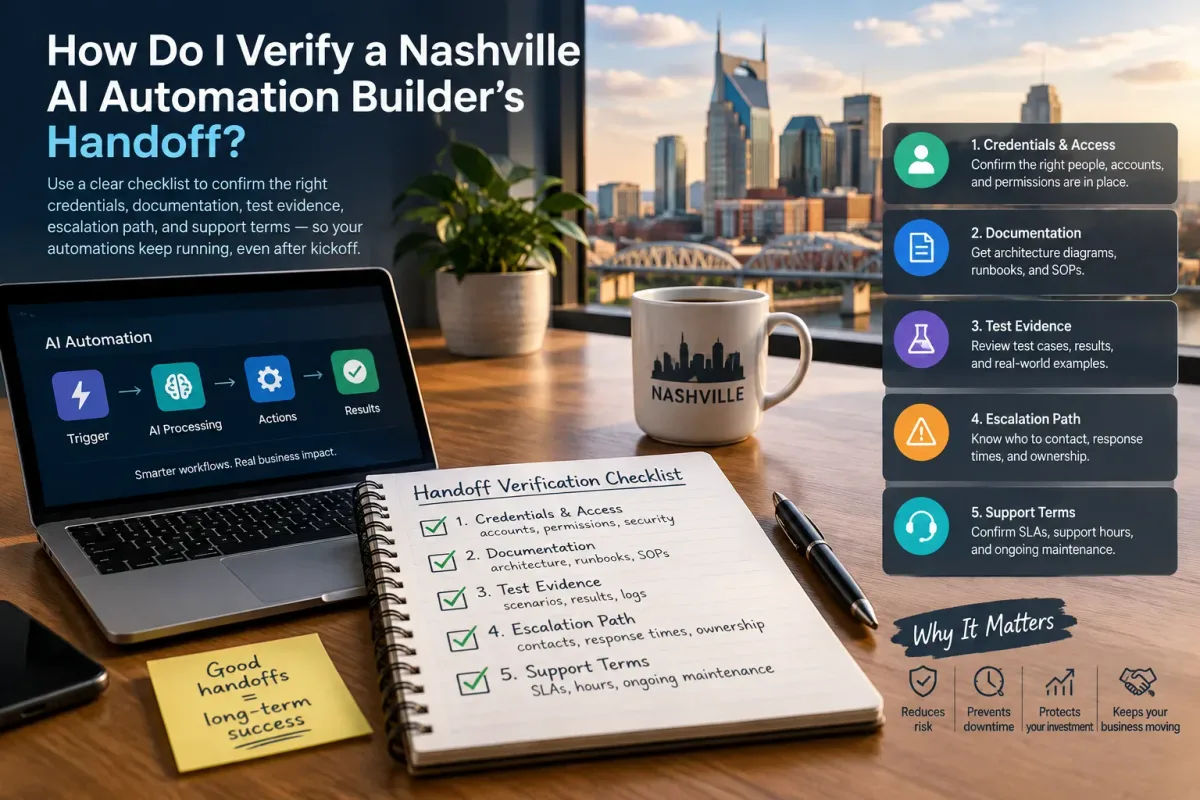
How Do I Verify a Nashville AI Automation Builder's Handoff?
Verify a Nashville AI automation builder's handoff with a checklist covering credentials, docs, test evidence, escalation, and support terms.