
AI Automation
Automated Appointment Reminders Free: What Actually Works in 2026
Automated appointment reminders that cut no-shows: free and paid tools, SMS vs email, and simple multi-touch sequences for service businesses.
The free 30-minute AI Operations Audit is a conversation about a normal week in your business and where the work piles up. We find the one change that would give you the most time back and send you a plain-English plan for it. No forms and no pitch.
Book a free AI audit
Patrick Gibbs
Square Free in the US includes appointment reminders. Setmore Free sends email reminders, and its Pro plan adds SMS. Calendly Free lets someone book a meeting, but its configurable reminder automations require a paid plan. A confirmation goes out when someone books. A reminder reaches them again before the visit.
The average service business loses more than the missed ticket when a client does not show. Staff time, room prep, inventory, and the empty slot all still cost something. A basic reminder sent before the appointment will not solve every cancellation problem, but it removes the easiest source of preventable no-shows. For businesses ready for more advanced sequencing, our guide on AI appointment reminders that cut no-shows significantly covers the multi-touch approach.
The challenge is picking the right free tool, because "free" covers a wide range from genuinely useful to barely functional. This breakdown focuses on what actually works in practice.
What Free Automated Reminder Tools Actually Deliver
Free appointment reminder tools connect to your scheduling calendar and fire preset messages at configured intervals, typically a day or two before the appointment, without manual effort. Most free tiers include basic confirm/cancel handling. The main limits are SMS volume caps, email-only channels on some tools, and no integration with external CRMs.
Real automation means you configure the rules once and the system handles everything after that. A new booking triggers a confirmation. The system queues a reminder before the appointment, then another closer to the appointment time if your tool supports it. When the client replies to cancel, the slot opens automatically. That entire sequence runs without anyone touching it. Most modern scheduling tools handle this natively, but the free/paid split usually determines whether SMS is included and whether you get analytics on which reminders are actually working.
Where free tools consistently fall short: multi-channel escalation and integration depth. A basic free plan may send one email reminder. A paid tier may add SMS, voice, confirmation tracking, and escalation when there is still no response. Our guide on reducing front desk costs with AI shows how reminder automation fits into the broader cost-reduction picture. For high-value appointments, that extra follow-up layer can justify a paid tier. For lower-stakes scheduling, the single free reminder usually gets the job done.
The Real Cost of No-Shows (And Why the Math Is Embarrassingly Simple)
Service businesses without automated reminders often lose appointment revenue that could have been protected with a simple confirmation and reminder flow. To estimate the upside, multiply missed appointments by average appointment value, then compare that amount with the time needed to configure a free reminder tool.
The no-show cost compounds in ways that aren't obvious from the missed revenue alone. There's staff time, overhead running for a slot that went unused, and the scramble to backfill last-minute. A massage therapist who loses multiple appointments on a busy day does not just lose the ticket value. The room is already heated and reserved. Supplies are pulled. The front desk spends time trying to fill the gaps. Automating reminders addresses the revenue loss and most of the downstream friction at the same time.
| Input | What to Use | Why It Matters |
|---|---|---|
| Appointment volume | Your completed and missed appointments | Shows how much schedule capacity is exposed |
| Average appointment value | Your actual ticket, visit, or booking value | Turns missed slots into a real business number |
| Recoverable share | Your expected improvement after reminders | Prevents vendor-style best-case math |
The formula is simple: missed appointments multiplied by average appointment value, then adjusted by the share you realistically expect reminders to recover. Use your own call, booking, or calendar data rather than a vendor's generic case study.
Free Tools Worth Using in 2026
We checked the US plan pages on November 24, 2026. Pick the reminder channel your customers use, then check whether they can cancel or reschedule from the message.
| Provider | Free scheduling or reminders | What to check |
|---|---|---|
| Square Appointments | Square Free includes automatic text and email reminders in the US. | Check which customizations your plan allows for each channel. |
| Setmore | Free includes email reminders. SMS reminders require Pro. | Check the user limit and whether email reaches your customers. |
| Calendly | Free includes one event type and one calendar. Standard adds reminder automations. | A calendar invitation or booking confirmation serves a different purpose from a timed follow-up. |
| Acuity Scheduling | A trial lets you evaluate a paid scheduling plan. | Check the current subscription and available reminder channels before adopting it. |
| Google Calendar with a separate automation | You configure the customer notification and sender. | Check the automation service’s allowance, delivery permissions and account limits. |
Square lists automatic email and text reminders on its US appointment plan comparison. Before switching, book a sample appointment on your free plan and check the message your customer actually receives.
Setmore Free includes email confirmations and reminders for up to four users. Its pricing table places text reminders in Pro. If your customers prefer email, you can try the free plan before paying for SMS.
How to Set Up Free Automated Reminders in Under an Hour
In Square, choose the reminder timing in your appointment settings. In Setmore Free, start with an email reminder. Create a test booking, then cancel and reschedule it to confirm the old reminder stops.
For Square, add the service and its duration first. Enable customer reminders, choose when they go out, and check the notification options on your plan. Try a second booking from a phone so you can see the timing and cancellation instructions as a client would.
One tip that applies regardless of which tool you use: include a one-tap cancellation option in every reminder. This feels counterintuitive at first. You are making it easier for people to bail. But a client who has an easy out will cancel rather than ghost. A cancellation before appointment time gives you a chance to fill that slot. A no-show at appointment time does not. The cancellation link is an operational asset, not a concession.
Additional reading: Appointment Reminder Automation for Small Business (2026 Guide).
When Free Stops Being Enough
Free reminder tools hit their limits when you need multi-channel escalation, HIPAA-compliant messaging for healthcare, CRM integration, or detailed no-show tracking by staff or service type. If reminders are running but no-shows remain high, or you are managing multiple staff calendars, paid options may recover their cost through better delivery, reporting, and escalation.
HHS treats appointment reminders as part of treatment and permits them without a separate authorization. A covered practice still needs appropriate safeguards and must evaluate any vendor that handles protected health information on its behalf. Have the privacy lead review the channel, patient communication preferences, message content and vendor agreement before enabling reminders. HHS guidance on appointment reminders.
The other real signal that it's time to upgrade: when reminders need to trigger other workflows. Confirming an appointment should also send intake forms, check inventory, assign the right staff member, and update a CRM record. Free reminder tools handle the message. They don't handle the orchestration around it. That's where connecting reminders to a broader AI automation workflow, like the systems covered in our automated scheduling software guide, adds genuine business value well beyond what any standalone scheduling tool delivers. For service businesses looking to build that layer without figuring it out in-house, working with an AI automation agency like Epiphany Dynamics is worth exploring once the free-tier basics are already in place.
See how AI appointment reminders cut no-shows significantly with advanced sequencing. Check our automated scheduling software guide for platform comparisons. Learn how to reduce med spa cancellations with AI reminders specifically.Frequently Asked Questions
Q: How much do appointment reminders actually reduce no-shows?
There is no single percentage to use for your business. Compare the share of booked appointments that customers keep before and after adding reminders. Track cancellations made early enough to refill the slot separately.
Q: Which free appointment reminder tool is best for dental or medical practices?
Healthcare practices should not rely on a generic free reminder tool unless the vendor supports the privacy and business-associate requirements your practice needs. Choose based on compliance support, payment processing, client forms, and whether the platform can send reminders without exposing protected details.
Q: Do text message reminders work significantly better than email for reducing no-shows?
The answer depends on the clients and the appointment. Compare the kept-appointment rate for consenting customers who choose each channel. Delivery and open rates alone don’t tell you how many customers showed up.
Q: When should I upgrade from a free appointment reminder tool?
You typically hit free limits when you need higher SMS volume, multi-channel delivery, or CRM integration with external systems. Solo practitioners and small studios often stay on free tiers longer, while growing teams usually upgrade for delivery reliability, reporting, and integration depth.
Patrick Gibbs
AI Automation Expert
Patrick Gibbs helps professional practices implement AI automation that captures more leads, books more appointments, and scales without adding overhead. He's the founder of Epiphany Dynamics and creator of the AI Front Desk system.
Related Solutions
Build this into a real workflow
Related Posts
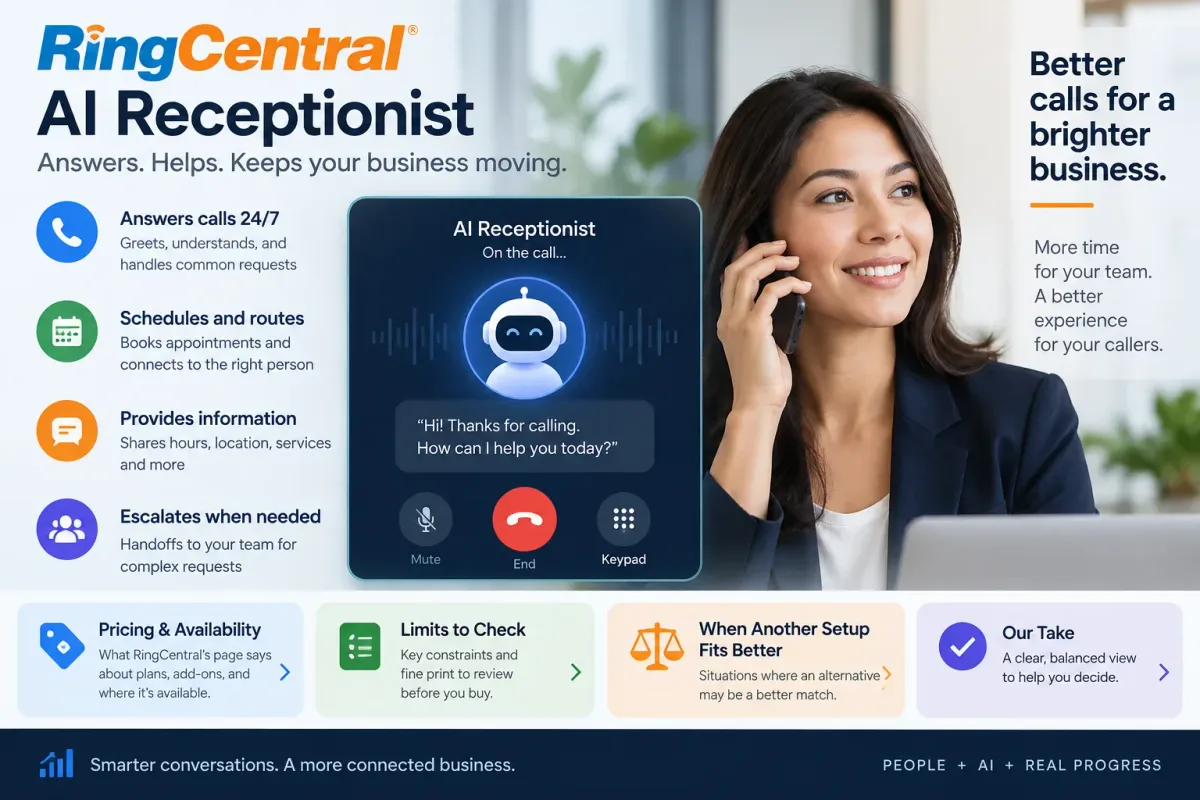
RingCentral AI Receptionist: A Fair Buyer's Overview
What RingCentral says its AI Receptionist does on calls, what its page says about pricing and availability, limits to check, and when another setup fits.
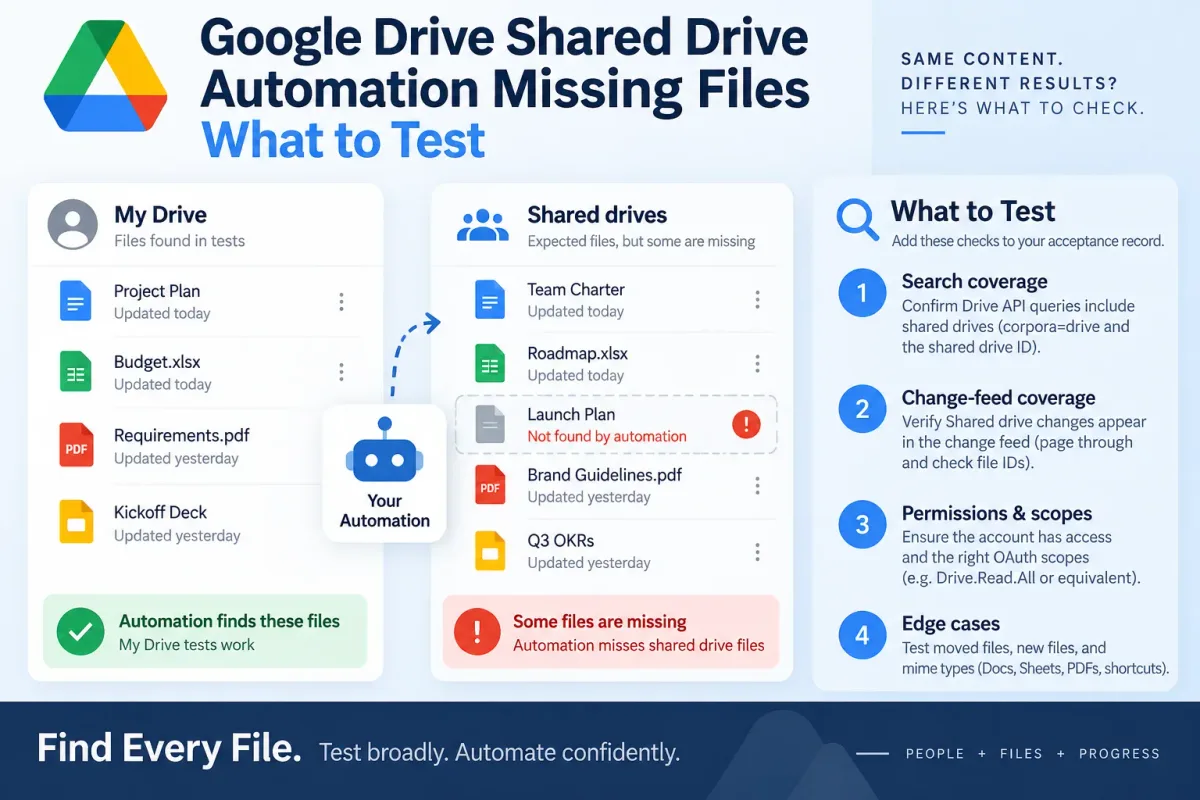
Google Drive Shared Drive Automation Missing Files: What to Test
Why document automations miss shared-drive files that My Drive tests find, and the search and change-feed coverage checks to put in your acceptance record.
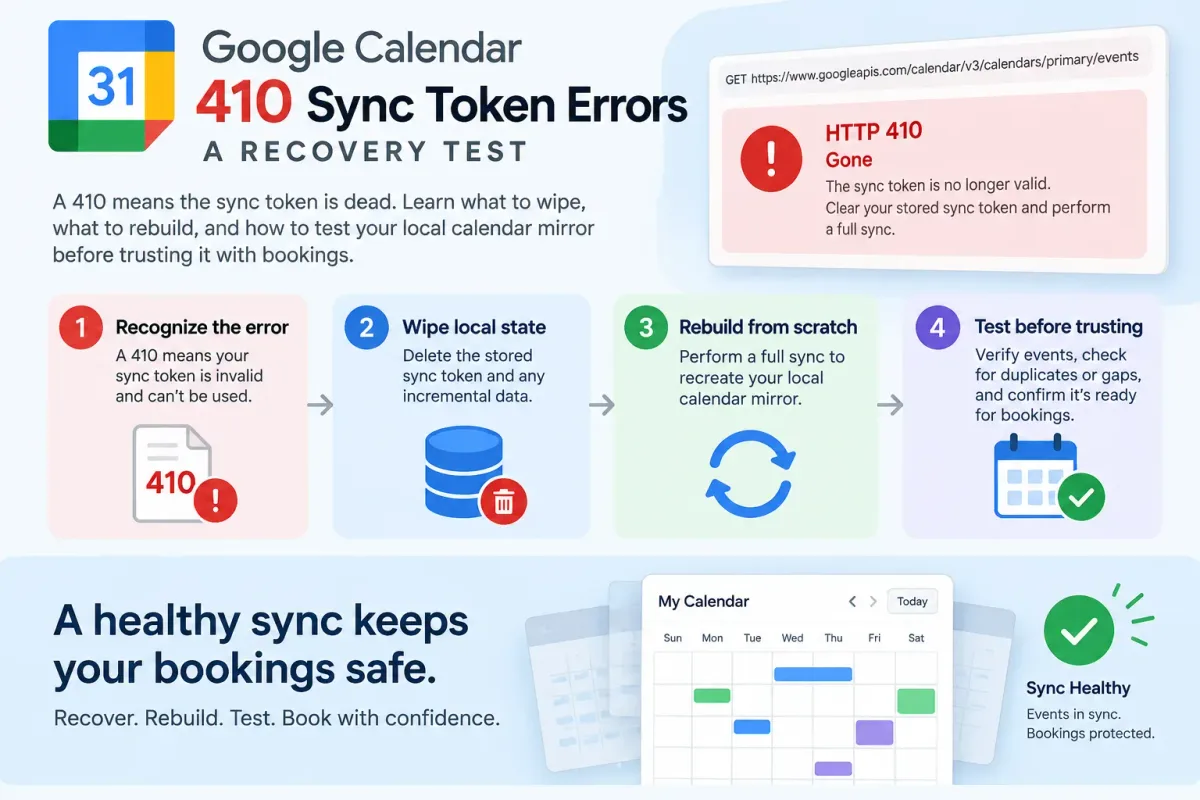
Google Calendar 410 Sync Token Errors: A Recovery Test
A Google Calendar 410 means the sync token is dead. Learn what to wipe, what to rebuild, and how to test your local calendar mirror before trusting it with bookings.