
AI Automation
Google Calendar 410 Sync Token Errors: A Recovery Test
A Google Calendar 410 means the sync token is dead. Learn what to wipe, what to rebuild, and how to test your local calendar mirror before trusting it with bookings.
The free 30-minute AI Operations Audit is a conversation about a normal week in your business and where the work piles up. We find the one change that would give you the most time back and send you a plain-English plan for it. No forms and no pitch.
Book a free AI audit
Patrick Gibbs
When Google Calendar answers an incremental sync request with a 410, the sync token is no longer valid. Google’s documentation says to wipe the client’s local store and run a new full sync. This article defines a recovery acceptance case for that mirror, so an owner can check a handoff before trusting booking data.
What a 410 means for your calendar mirror
A 410 on an incremental request means Google invalidated your sync token, for reasons such as expiration or access list changes. The documented response is to clear the integration’s own local copy and run a full sync. The live calendar is not touched. Only the mirror your automation reads from is rebuilt.
Many automations do not query Google Calendar on every request. They keep a local copy of events, then ask Google only for what changed since the last visit. A sync token is the bookmark that makes that possible.
Google’s Calendar sync guide says servers sometimes invalidate those tokens, and that the incremental request then returns 410. The guide’s instruction is to trigger a full wipe of the client’s store and a new full sync.
“Client store” is the important phrase. It means the copy your integration keeps, not your calendar. Nobody should delete a single appointment from the real calendar to recover from this error. If a proposal or runbook says otherwise, send it back.
Why an owner should care
An automation that handles a 410 badly rarely crashes. It tends to keep running on stale data. An AI receptionist or reminder flow then offers a slot that was cancelled last week, or misses one that was added this morning.
The recovery acceptance case
Treat recovery as a test you can run, not a promise in a proposal. Simulate a 410 with a stub response, then confirm the mirror wipes, resyncs fully, drops cancelled events, and keeps booking logic paused until it is consistent again. Pass or fail should be visible to a non-developer.
Here is an illustrative scenario. A three-chair salon mirrors its Google Calendar so an assistant can offer open slots. In a test copy, the builder seeds 40 events, cancels five, then makes the sync call return 410. The numbers are made up for the example; the shape of the test is what matters.
- Trigger. The sync call returns 410 for the stored token.
- Pause. The assistant stops offering or confirming slots from the mirror.
- Wipe. The local store is emptied. The test calendar still holds every event.
- Full sync. The mirror reloads all current events and saves a fresh token.
- Compare. The five cancelled events are absent, and the event count matches the source.
- Resume. Booking logic restarts only after the compare step passes.
- Record. A log line states when the 410 occurred, how long recovery took and the final count.
If any step has no owner or no evidence, the case fails. That is a useful result at the proposal stage, not a failure of the project.
What the handoff should specify
A usable handoff names the trigger, the wipe scope, the rebuild path, the pause behavior and the owner of each step. Anything left implicit tends to surface as a double booking or a missing appointment. The table below is an editorial proposal, not a vendor requirement, and each row can be pass or fail.
| Item | What the handoff states | Evidence to ask for |
|---|---|---|
| Trigger | A 410 on an incremental request starts recovery | Test log showing the stub 410 |
| Wipe scope | Only the integration mirror is cleared | Written statement that no live calendar delete is issued |
| Rebuild | Full sync, then a new token is stored | Event count before and after |
| Pause | Booking offers stop during rebuild | Screenshot or log of the paused state |
| Alerting | A named person is told when recovery runs | Sample alert and recipient |
| Retry limit | Repeated 410s stop and escalate | Documented limit and behavior |
| Ownership | Accounts and credentials belong to the business | Access list |
The broader question of what belongs in a handoff is covered in what an AI automation handoff should include. Credentials and account control are a separate check, handled in verifying integration ownership in an AI automation project.
Questions to put to a builder
- What exactly does your code clear when a 410 arrives?
- Can the live calendar be modified by the recovery path at all?
- What does a customer see while the mirror is rebuilding?
- How do I find out recovery ran?
Deleted events and the rebuild
Google’s sync guide says incremental results always include deleted entries so clients can remove them from storage. After a 410 you skip that path and rebuild from scratch, so stale rows vanish with the wipe. The risk is the gap between wipe and finished resync, when the mirror is incomplete.
Two behaviors need separate tests.
Normal operation. Deleted entries arrive in incremental results. The mirror must act on them and remove the matching local rows. A builder who only handles new and changed events will slowly accumulate ghost appointments.
After a 410. The mirror does not replay deletions. It starts empty and loads what exists now. The test is that a cancelled event stays gone, which is why the compare step counts events against the source.
The gap is where owners get hurt. If the assistant keeps answering from a half-loaded mirror, it will see open time that is not open. A pause flag during rebuild is cheap to build and easy to verify, so make it a pass condition.
The mirror can live in a database or in a spreadsheet. If yours is a sheet, the same rules apply, and a Google Sheets automation consultant should be able to show you the wipe and reload steps. For a larger example of keeping two systems consistent, see what two-way sync between AI and ServiceTitan looks like in practice.
When this test is not the right fix
Skip a custom recovery test if you only read your calendar by hand or use a vendor tool that already manages sync for you. The test fits only when your own automation keeps a local copy. It also does not prove booking accuracy, and it says nothing about who owns calendar permissions.
A passing test shows the recovery path behaves as specified in a test setup. It does not prove production data is correct, and it does not replace monitoring. Other causes of wrong availability, such as time zone mistakes, double-booked resources or a second calendar nobody mirrors, sit outside this case.
If a vendor product runs the sync, ask the vendor how it handles an invalid token and keep their answer in writing. You may not be able to run the test yourself, and that is acceptable if the answer is specific.
Frequently Asked Questions
What does a Google Calendar 410 sync token error mean?
Google has invalidated the token your integration stored, for reasons such as expiration or changes in related access lists. The incremental request fails with 410. Google’s guidance is to wipe the client’s local store and perform a new full sync.
Do I delete anything from my real calendar to recover?
No. The documented wipe applies to the integration’s own copy of events. Recovery that touches live appointments is outside what the guidance describes and should be treated as a defect.
Will recovery lose appointments?
It should not, because the full sync reloads current events from Google. The practical risk is a window where the mirror is incomplete. That is why the acceptance case pauses booking logic until the event count matches the source.
How often will this happen?
Google does not publish a schedule in the guidance quoted here, so any number would be a guess. Plan for it as an expected event, with logging and an alert, rather than a rare surprise.
What should I ask for in writing?
Ask for the trigger, wipe scope, pause behavior, alert recipient and a test log showing a simulated 410. These are editorial suggestions for a handoff, not vendor requirements.
Patrick Gibbs
AI Automation Expert
Patrick Gibbs helps professional practices implement AI automation that captures more leads, books more appointments, and scales without adding overhead. He's the founder of Epiphany Dynamics and creator of the AI Front Desk system.
Related Solutions
Build this into a real workflow
Related Posts
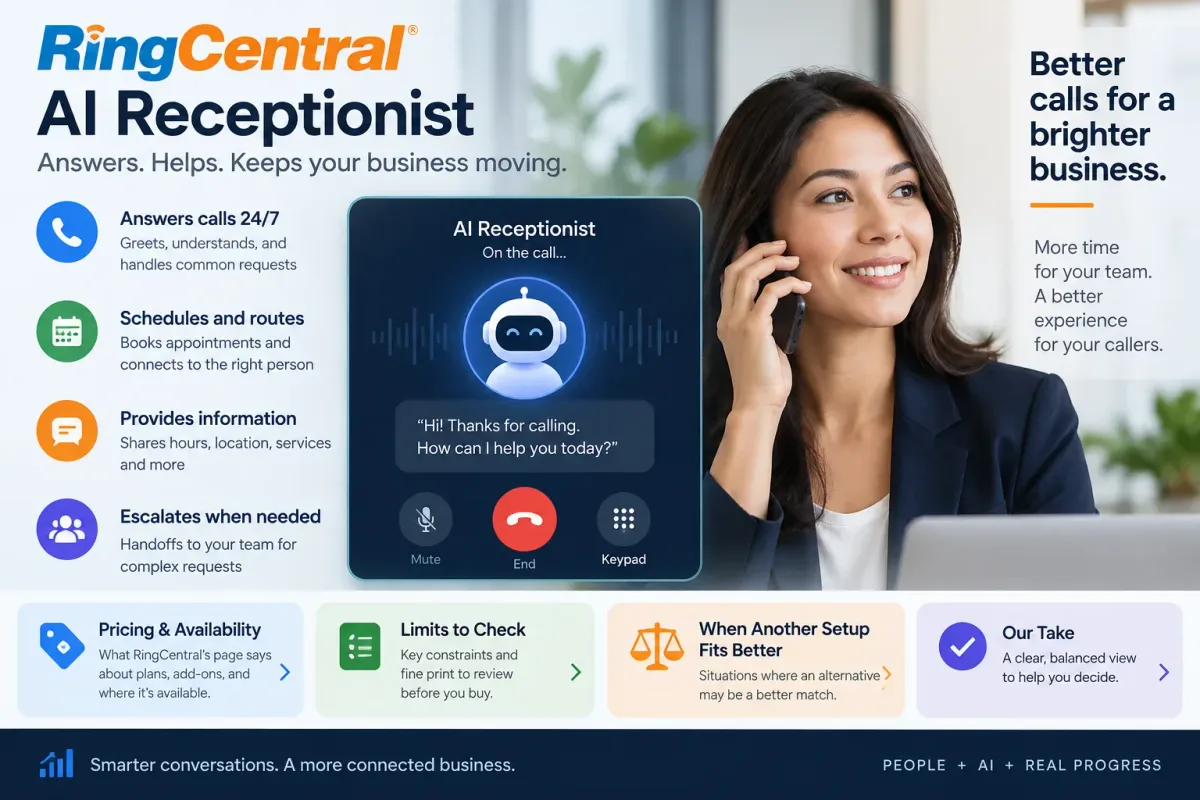
RingCentral AI Receptionist: A Fair Buyer's Overview
What RingCentral says its AI Receptionist does on calls, what its page says about pricing and availability, limits to check, and when another setup fits.
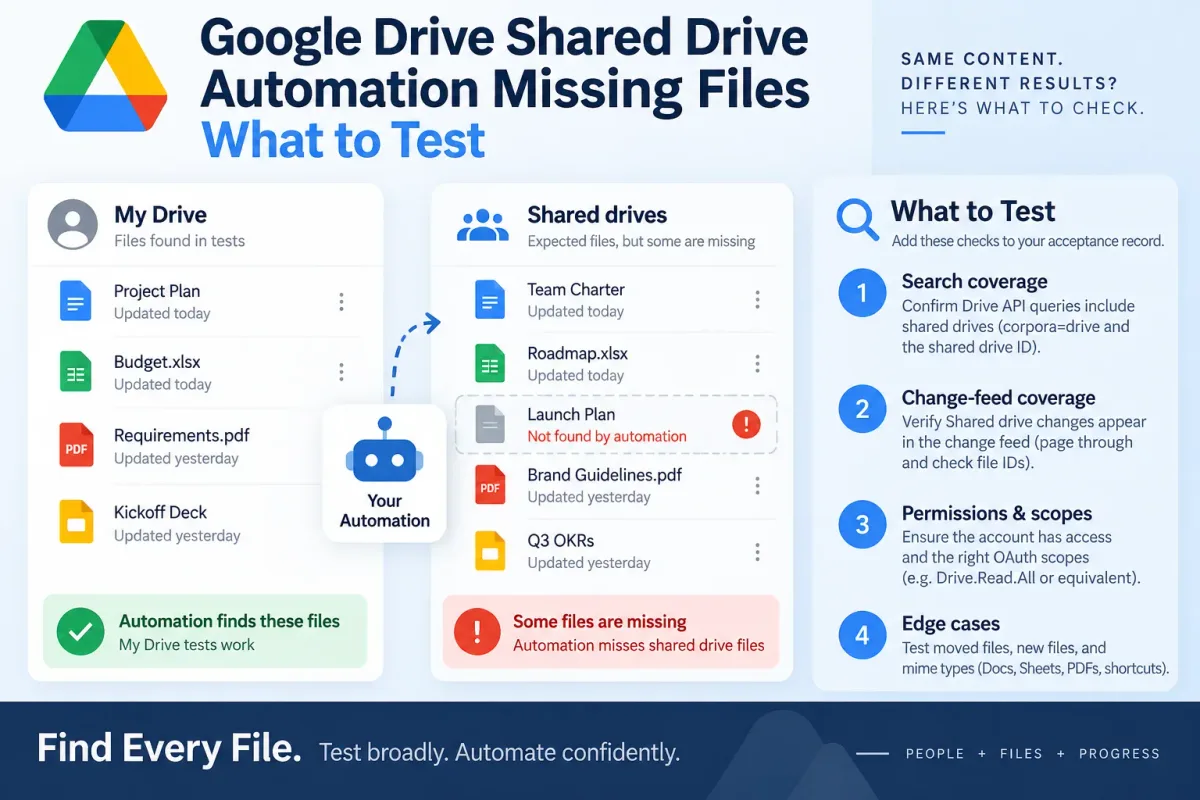
Google Drive Shared Drive Automation Missing Files: What to Test
Why document automations miss shared-drive files that My Drive tests find, and the search and change-feed coverage checks to put in your acceptance record.
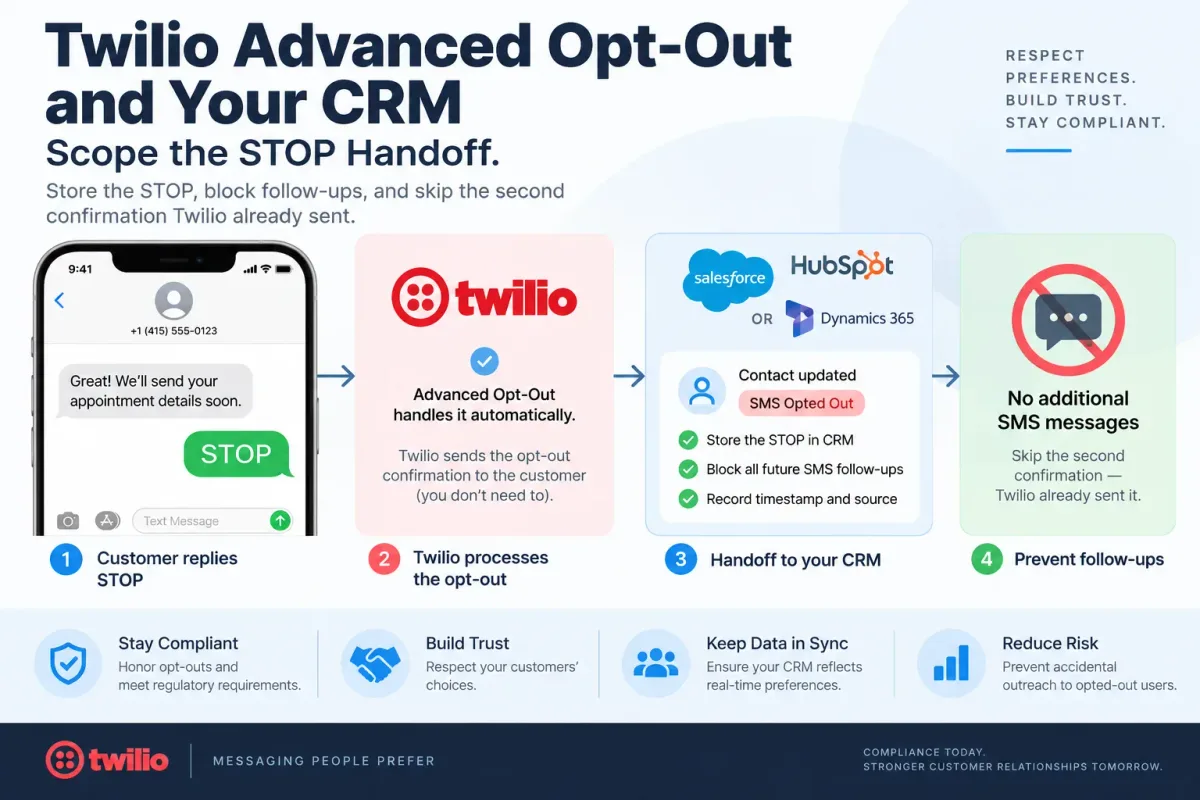
Twilio Advanced Opt-Out and Your CRM: Scope the STOP Handoff
How to scope a Twilio Advanced Opt-Out to CRM handoff: store the STOP, block follow-ups, and skip the second confirmation Twilio already sent.