
AI Automation
RingCentral AI Receptionist: A Fair Buyer's Overview
What RingCentral says its AI Receptionist does on calls, what its page says about pricing and availability, limits to check, and when another setup fits.
The free 30-minute AI Operations Audit is a conversation about a normal week in your business and where the work piles up. We find the one change that would give you the most time back and send you a plain-English plan for it. No forms and no pitch.
Book a free AI audit
Patrick Gibbs
RingCentral AI Receptionist answers calls, sends texts, books appointments and routes calls with a summary. Its US standalone plan starts at $49 a month for 100 minutes. If you already pay for RingEX, the add-on starts at $39 a month for the same allowance.
What RingCentral says the AI Receptionist does
According to RingCentral’s product page, the AI Receptionist answers calls, sends texts and books appointments at any hour. It also knows who handles what across a team and passes each call along with an attached summary. Those are vendor descriptions, not independent proof of how well it performs on your calls.
Everything in this section comes from RingCentral’s own published page. We have not tested the product, and Epiphany Dynamics is not affiliated with RingCentral or a reseller of it.
The three jobs on the page
- Answering. The page says it answers calls automatically, day or night.
- Following up and booking. It sends texts and books appointments.
- Routing. It hands each call to the right person with a call summary attached.
What the page does not tell you
The page describes the jobs. It does not tell you how often a caller gets stuck, what happens when a request falls outside the setup, or how the summary reads when a staff member picks up. A summary is only useful if it carries the caller’s name, the problem and the urgency.
Pricing and availability
The RingCentral US pricing page, checked November 24, 2026, lists 100 minutes with either plan. The standalone plan starts at $49 per month. The $39 monthly add-on requires a separate RingEX subscription. RingCentral lists $0.50 per additional minute on pay-as-you-go usage and bills call time in 30-second increments. Prices and availability can differ by country.
Ask for a written quote that names every line. Voice products often involve more than one charge, and a quote that mixes them can hide the real monthly total. Check these items:
- Whether the AI Receptionist is a separate license from your phone plan.
- Whether usage, minutes or call volume change the bill.
- Whether texting and booking features cost extra.
- What the contract term and cancellation steps are.
- Whether your region is covered as a standalone license or only as an add-on.
The last item matters. The page separates the U.S. and Canada, where it lists standalone or add-on, from the U.K., Australia and the EU, where it lists add-on only.
Limits to check before you buy
RingCentral publishes supported languages and examples of calendar and CRM integrations. Ask for a demonstration using your language, phone system and booking rules. Watch what happens when a caller changes the appointment or asks for a person.
| Area | Question to ask | Why it matters |
|---|---|---|
| Integrations | Which calendars, CRMs or job systems does it write to? | Booked work that stays inside the phone tool still needs manual entry elsewhere. |
| Language | Which languages does it handle on live calls? | A caller who cannot be understood is a lost call. |
| Edge cases | What happens with an emergency, an angry caller or an unknown request? | Service businesses get urgent calls that scripts miss. |
| Handoff | Who receives the summary, and in what channel? | A good summary in the wrong inbox is not read in time. |
| Data | Where are recordings and summaries stored, and for how long? | You may have consent and retention duties for call data. |
| Exit | Can you export your setup and call history? | It keeps you from being locked in. |
Do not assume any of these answers from marketing copy. The product page is a starting point, and RingCentral’s own documentation and sales team are the sources to confirm against.
When a different setup fits
A different setup may fit if dispatch needs a job record in field-service software or an urgent call needs a specific person. RingCentral says its standalone service works with other phone systems through call forwarding or SIP. Test that connection and the next handoff before switching.
This is the honest limitation of any phone-platform AI: it is built around the phone platform. A plumbing or HVAC company that dispatches from a field-service system may care less about the call summary and more about whether a job lands in the schedule correctly. Our guide to AI receptionist integration with ServiceTitan shows what that deeper connection involves, and it applies to other job systems too.
Three situations where another route is worth a look:
- You use another phone system. Check how forwarded calls reach the receptionist and how callers get back to your team if a transfer fails.
- Your calls need custom logic. Examples include quoting rules by service area, or sending warranty calls to a different person than new-customer calls.
- You want to compare several products first. Our overview of the best AI receptionist for small business and the wider best AI receptionist tools comparison cover the field beyond one vendor.
An outside view can help before you pick. A fixed-scope audit maps how calls actually flow today, so you can judge any platform against your real call types. Our AI automation services page explains how that work is scoped.
A one-week test plan
Run a one-week test with real call types before committing. Write ten scenarios, call the system, and score each on the same four checks. A pass on scripted calls does not prove performance on messy ones, so include the awkward calls your team handles every week.
- List your ten most common call types. Include one emergency, one price question and one caller who changes their mind mid-call.
- Call the setup yourself. Use a normal phone and speak the way customers do.
- Score four checks. Did it understand the request, give correct information, book or route correctly, and send a usable summary?
- Review the summaries. Hand them to the person who would receive them and ask if they could act without calling back.
- Decide on evidence. Keep, adjust or drop the tool based on the scores, not the demo.
Illustrative example: a landscaping company scores nine of ten scenarios cleanly, but the one failure is a caller asking for a same-day quote. That tells the owner to add a rule for urgent quotes before launch, not to reject the tool.
Frequently Asked Questions
What does RingCentral AI Receptionist do?
RingCentral’s product page says it answers calls, sends texts and books appointments, and hands each call to the right person with a call summary. These are the vendor’s own descriptions and do not prove results for your business.
How much does RingCentral AI Receptionist cost?
In the US, RingCentral lists standalone service from $49 per month or a RingEX add-on from $39 per month, on top of your RingEX subscription. Each starts with 100 minutes. Check the linked rate sheet for usage charges before comparing quotes.
Is RingCentral AI Receptionist available outside the U.S.?
RingCentral’s page says it is available as a standalone or add-on license in the U.S. and Canada, and as an add-on in the U.K., Australia and the EU. Confirm your exact region and phone plan with RingCentral.
Do I need RingCentral phones to use it?
No. RingCentral says the standalone service works with other phone systems through call forwarding or SIP. Test against your actual routing setup.
When should I look at a different setup?
Compare alternatives if dispatch needs a job record that RingCentral can’t create, if calls require custom rules, or if you want to trial several products. Our guide to what an AI operations audit should answer before a build lists the questions to settle.
Want an outside view of your call flow before you choose a platform? Book a Free AI Audit
Patrick Gibbs
AI Automation Expert
Patrick Gibbs helps professional practices implement AI automation that captures more leads, books more appointments, and scales without adding overhead. He's the founder of Epiphany Dynamics and creator of the AI Front Desk system.
Related Solutions
Build this into a real workflow
Related Posts
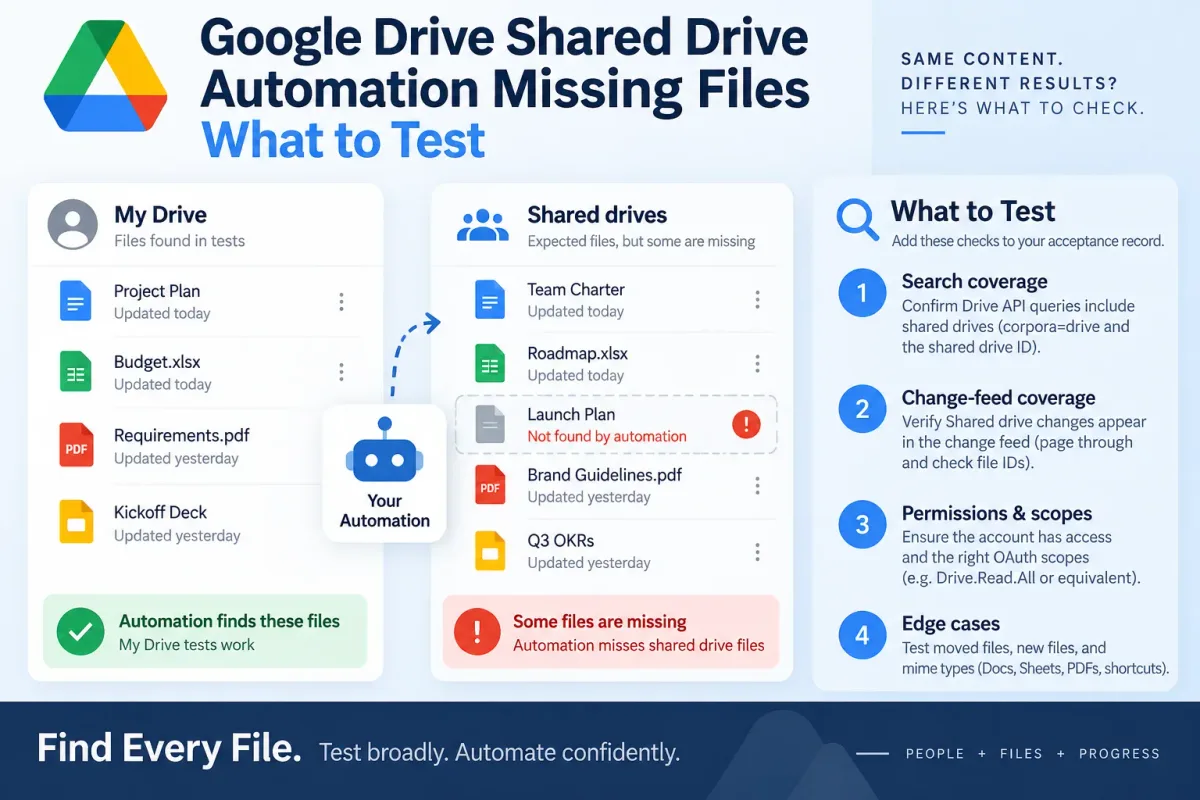
Google Drive Shared Drive Automation Missing Files: What to Test
Why document automations miss shared-drive files that My Drive tests find, and the search and change-feed coverage checks to put in your acceptance record.
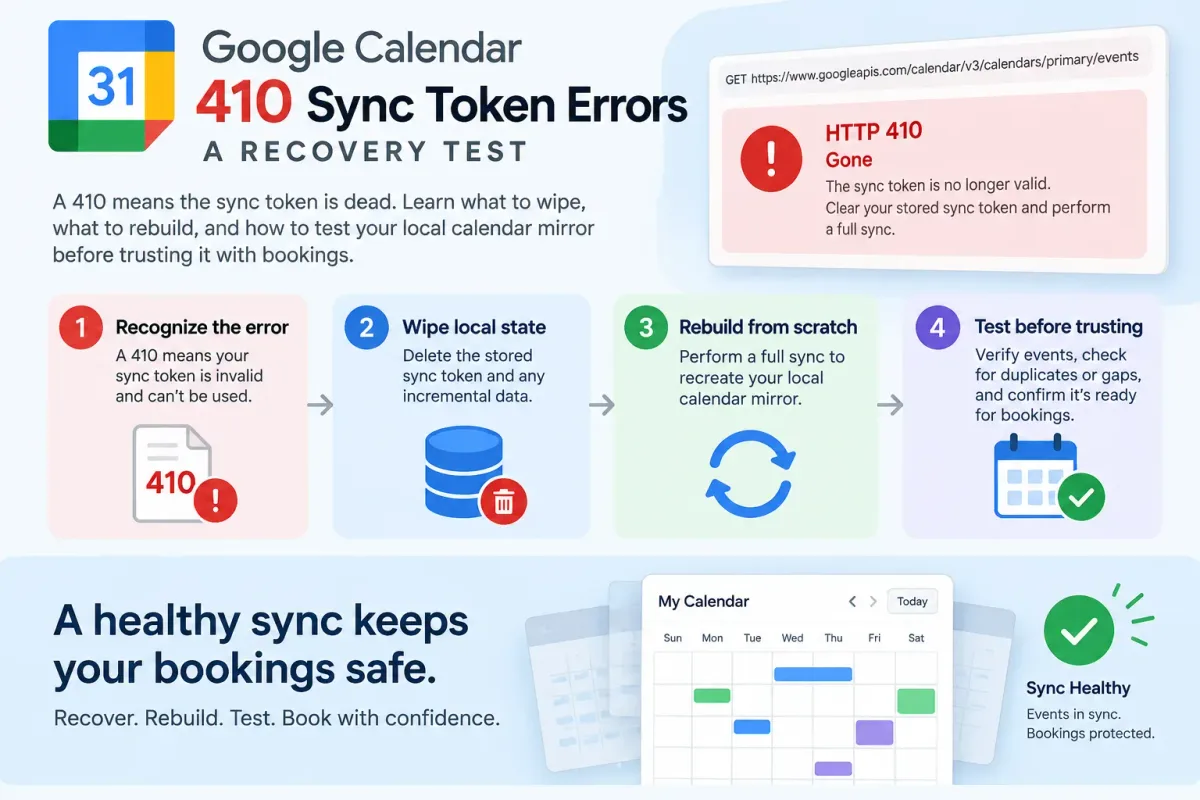
Google Calendar 410 Sync Token Errors: A Recovery Test
A Google Calendar 410 means the sync token is dead. Learn what to wipe, what to rebuild, and how to test your local calendar mirror before trusting it with bookings.
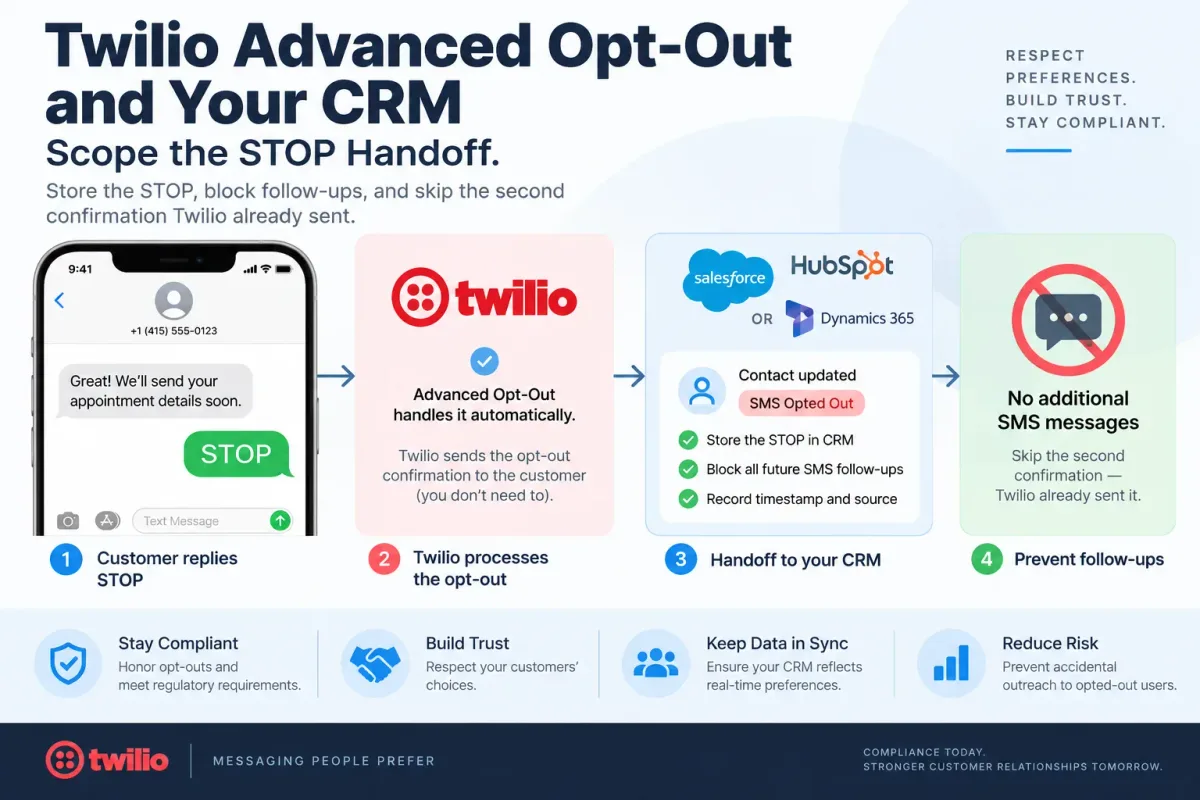
Twilio Advanced Opt-Out and Your CRM: Scope the STOP Handoff
How to scope a Twilio Advanced Opt-Out to CRM handoff: store the STOP, block follow-ups, and skip the second confirmation Twilio already sent.