
AI Automation
Twilio Advanced Opt-Out and Your CRM: Scope the STOP Handoff
How to scope a Twilio Advanced Opt-Out to CRM handoff: store the STOP, block follow-ups, and skip the second confirmation Twilio already sent.
The free 30-minute AI Operations Audit is a conversation about a normal week in your business and where the work piles up. We find the one change that would give you the most time back and send you a plain-English plan for it. No forms and no pitch.
Book a free AI audit
Patrick Gibbs
When Twilio Advanced Opt-Out reports STOP, your CRM workflow should record the customer’s preference, halt follow-up for that number, and send nothing back, because Twilio has already replied. This guide scopes that handoff: what the webhook tells you, what to store, what to block, and how to test it before launch.
What Twilio already does when a customer texts STOP
Twilio’s Advanced Opt-Out matches the keyword, sends its own confirmation, and adds the number to a blocked list. Your webhook then receives an OptOutType of START, STOP, or HELP. Your application should treat that as information to store, not a prompt to reply.
Per Twilio’s Advanced Opt-Out documentation, Twilio checks its blocked list before sending any future outgoing message. A later message from your account to that number fails with Error Code 21610, and the failure arrives asynchronously. Your send step can look fine at first and fail afterward.
The same page says an OptOutType property in the webhook request means Advanced Opt-Out has already matched a keyword and replied with the confirmation. Twilio does not recommend sending another message from your application. You may want to store the information, and that is where the CRM comes in.
What the CRM handoff should do
A STOP event needs three actions in the CRM: mark the contact as opted out of text, cancel any queued text follow-ups for that number, and log the event with a timestamp. It needs one deliberate non-action: no extra text. Keep the update narrow so other channels are not touched by accident.
The CRM actions below are a proposed design, not something Twilio prescribes. Your owner or counsel decides what a text opt-out should mean for email and calls.
| OptOutType | What Twilio already did | Proposed CRM action | Do not |
|---|---|---|---|
| STOP | Sent its confirmation and blocked the number | Mark text opt-out, cancel queued texts, log time and source | Send a second confirmation |
| START | Sent its confirmation | Log the change; let a named rule decide which text flows resume | Restart every old sequence automatically |
| HELP | Sent its help reply | Log it; optionally flag the contact for staff | Send another help message |
| Field absent | Nothing special | Route as a normal inbound message | Treat it as an opt-out |
Keep the scope small
Scope the handoff as one inbound event, one contact lookup, one status change, and one cancellation of pending text jobs. Matching by phone number needs a rule for duplicates, such as two contacts sharing a household line. Decide in advance whether both are flagged or the record goes to a person.
Avoiding the duplicate confirmation
The duplicate can come from a workflow that replies to every inbound message. Branch on OptOutType before any reply step runs. If the field is present, route to the CRM update and end the run. A reply attempted after STOP would fail with error 21610 anyway.
Here is an illustrative case. A hypothetical HVAC contractor texts maintenance reminders, and its automation answers any inbound text with “Thanks, a technician will follow up.” A customer replies STOP. Twilio sends its confirmation, then the automation sends its own thank-you, which is both redundant and confusing. The fix is ordering, not a new tool.
- Receive the webhook and read OptOutType first.
- If it is STOP, START, or HELP, write the CRM change and stop. No reply node runs.
- If the field is absent, continue to normal intent handling.
- Watch delivery status callbacks, since a blocked send fails asynchronously with 21610.
- Treat a 21610 on a contact the CRM still shows as opted in as a mismatch to fix.
If your reminders are part of this flow, the appointment reminder automation guide shows where reminder jobs usually sit, which tells you where cancellation has to reach.
Acceptance tests before you trust it
Test with a number you control before any customer is involved. Send STOP, confirm Twilio’s reply arrives once, confirm the CRM flips, confirm queued texts are cancelled, and confirm your own workflow sent nothing. Written results belong in the handoff so the next person can repeat them.
Use this checklist as an editorial proposal, and adjust it to your stack:
- STOP produces exactly one reply on the test phone, and it comes from Twilio.
- The CRM contact shows a text opt-out with a timestamp and event source.
- A reminder queued for that contact is cancelled, not merely paused.
- A HELP test is logged and does not trigger a second reply.
- A START test follows the resume rule your owner wrote down.
- A normal inbound message without OptOutType still routes as before.
Record the results with screenshots or run logs. The article on what an AI automation handoff should include covers what a builder should leave behind, and what proof an AI automation agency should show before launch is a useful standard for judging whether these tests actually ran.
When this scope is not enough
This design covers one narrow event. It does not decide whether a customer consented, whether your campaigns comply with messaging rules, or whether your CRM is already in sync. Those need separate review, ideally with counsel for compliance questions, and a check of your actual account settings.
Twilio’s documentation describes OptOutType on the request sent to the webhook configured for your Messaging Service. Confirm that your numbers actually send through a Messaging Service and that Advanced Opt-Out is turned on. Otherwise the field you are branching on may never arrive.
Also check who owns each piece. If the CRM, the Twilio account, and the automation tool sit under different logins, a fix can stall. The guide on verifying integration ownership in an AI automation project lists what to confirm. A fixed-scope audit fits here: it maps these events, owners, and tests before anyone changes a live workflow.
Frequently Asked Questions
Should my app send its own reply after a STOP?
No. Twilio’s documentation says that when OptOutType is present, Advanced Opt-Out has already replied, and it does not recommend sending another message. Store the event and end the workflow run.
What happens if I try to text a number that opted out?
Per Twilio’s documentation, the number sits on a blocked list that Twilio checks before sending. The message fails with Error Code 21610, and the failure is reported asynchronously, so watch delivery status rather than the initial send response.
What values can OptOutType take?
START, STOP, or HELP, depending on the incoming keyword. Each should have a defined CRM outcome, even if the outcome for HELP is only a log entry.
Does a STOP in the CRM also mean no email or calls?
Twilio’s behavior covers messages sent through Twilio. Whether a text opt-out should affect email or phone outreach is a business and compliance decision. Write the rule down and have it reviewed.
Can the CRM update replace Twilio’s blocked list?
No. The blocked list is Twilio’s own control. The CRM update keeps your records and queued jobs consistent with it, so staff and automations stop planning texts that will fail.
Patrick Gibbs
AI Automation Expert
Patrick Gibbs helps professional practices implement AI automation that captures more leads, books more appointments, and scales without adding overhead. He's the founder of Epiphany Dynamics and creator of the AI Front Desk system.
Related Solutions
Build this into a real workflow
Related Posts
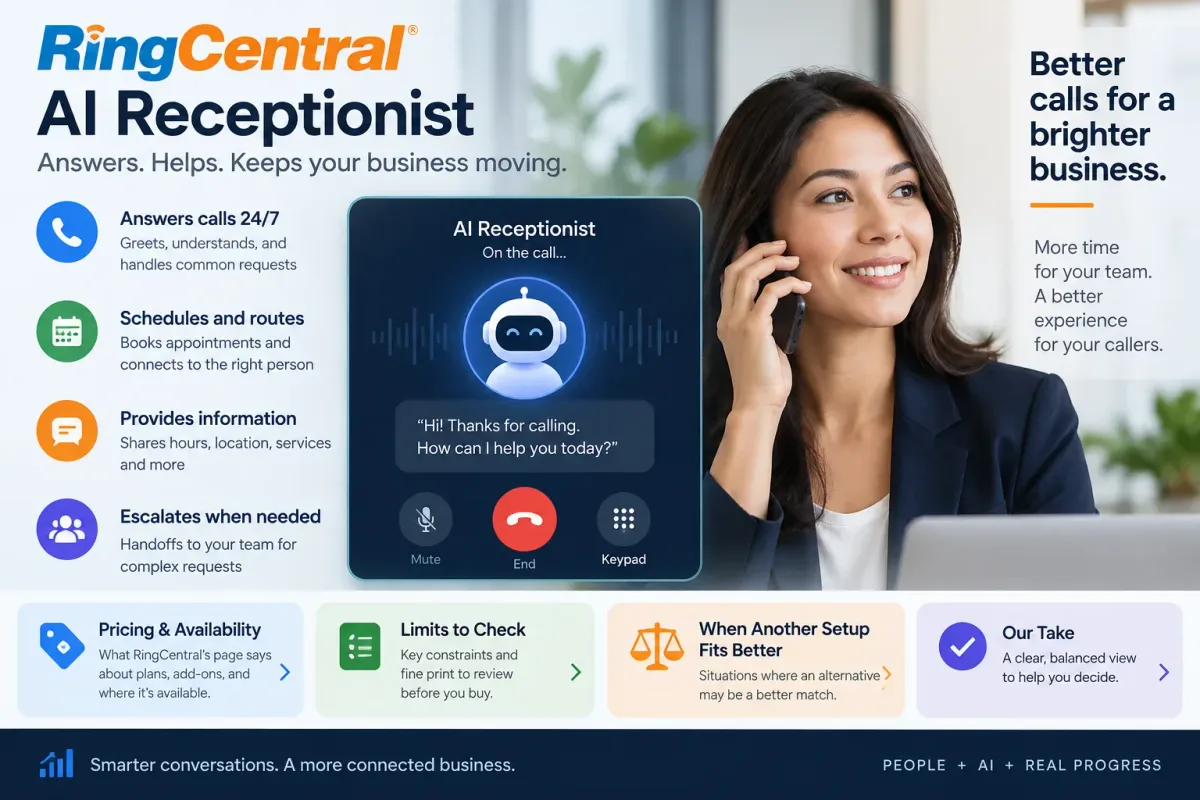
RingCentral AI Receptionist: A Fair Buyer's Overview
What RingCentral says its AI Receptionist does on calls, what its page says about pricing and availability, limits to check, and when another setup fits.
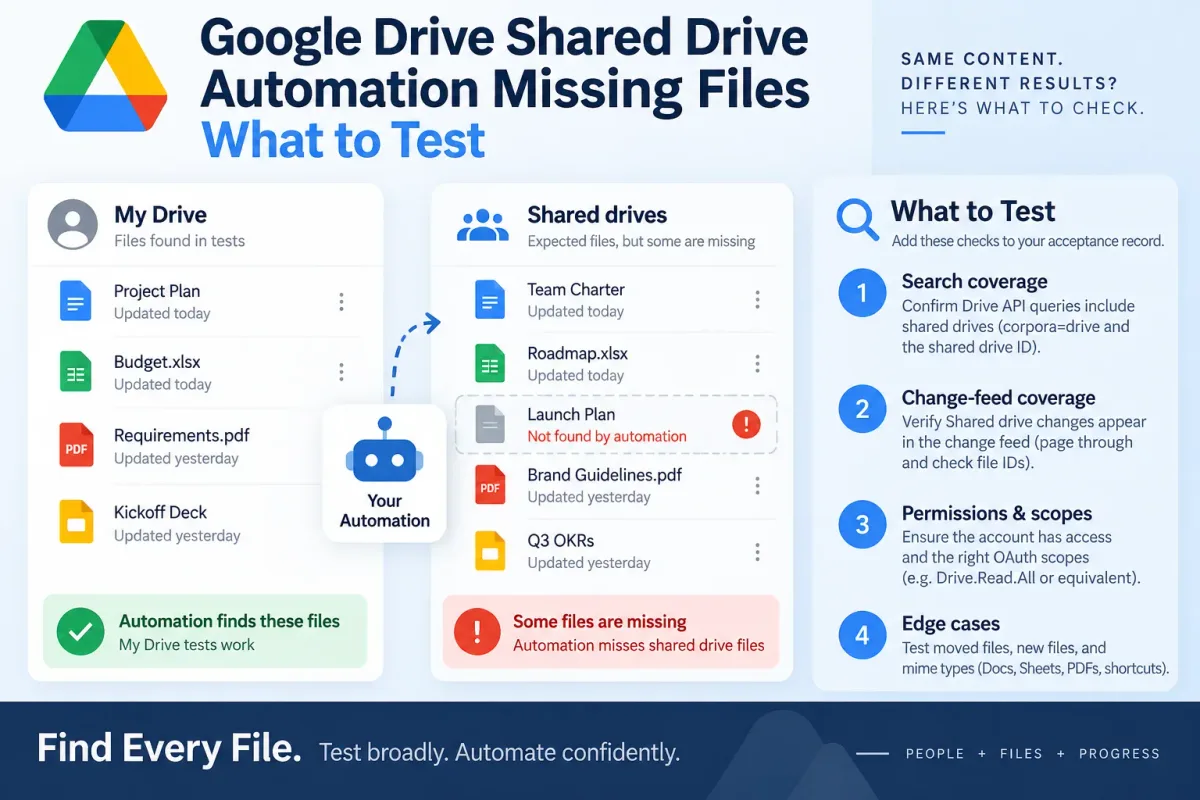
Google Drive Shared Drive Automation Missing Files: What to Test
Why document automations miss shared-drive files that My Drive tests find, and the search and change-feed coverage checks to put in your acceptance record.
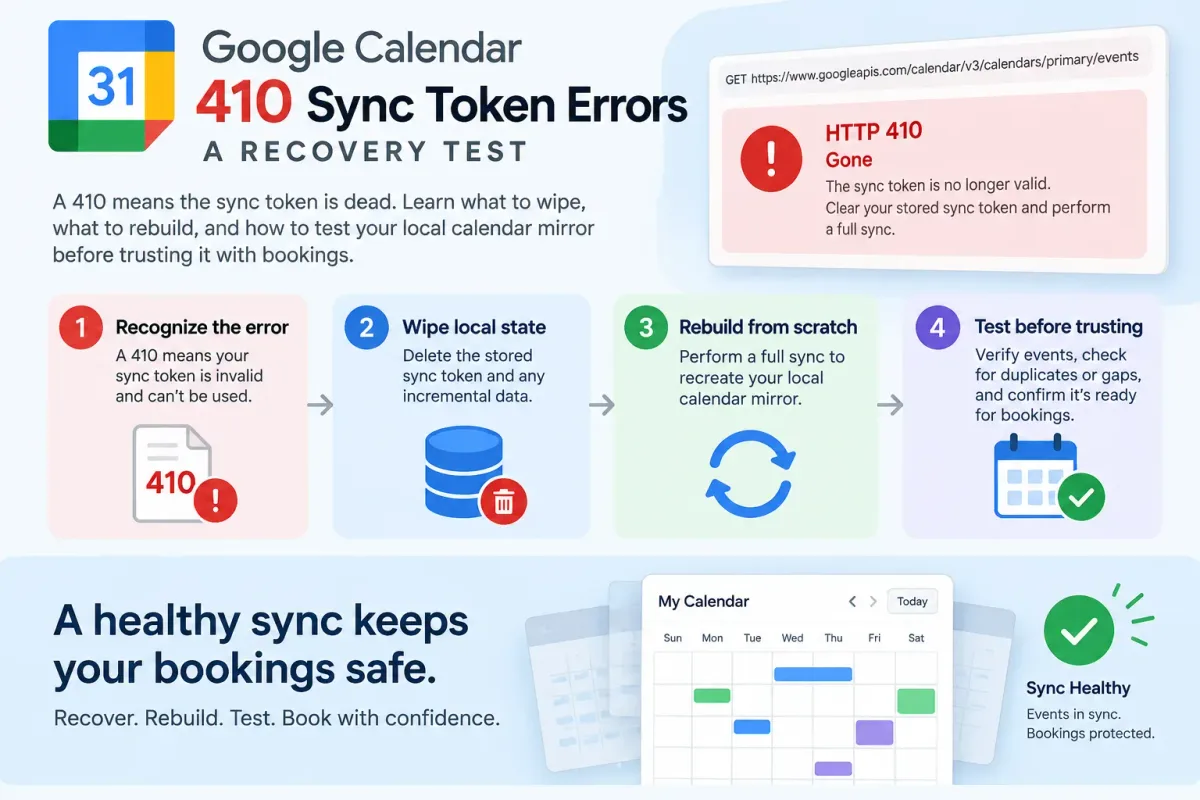
Google Calendar 410 Sync Token Errors: A Recovery Test
A Google Calendar 410 means the sync token is dead. Learn what to wipe, what to rebuild, and how to test your local calendar mirror before trusting it with bookings.