
01Free Resources
Operational Resources for Field Service Companies
These resources are standalone working documents. Each one is usable without buying anything from Epiphany Dynamics, and each one maps to a real operational problem: handling a call surge, estimating what missed calls cost, and specifying a call flow before a vendor builds it.
Free operational resources from Epiphany Dynamics: intake checklists, calculators, and call flow templates field service companies can use with or without our help.
Roofing and Storm Response
Built for roofing companies, usable by any field service business with an urgent inbound call pattern.
Download the working files
Every file on this page is AI-agent-ready. You can hand it to your AI agent and it can work from it. No email gate. Print the PDFs. Fill the Excel sheets with your own numbers.
Storm desk and inbound calls
Print these, fill them, or hand them to your AI agent before the phones get loud.
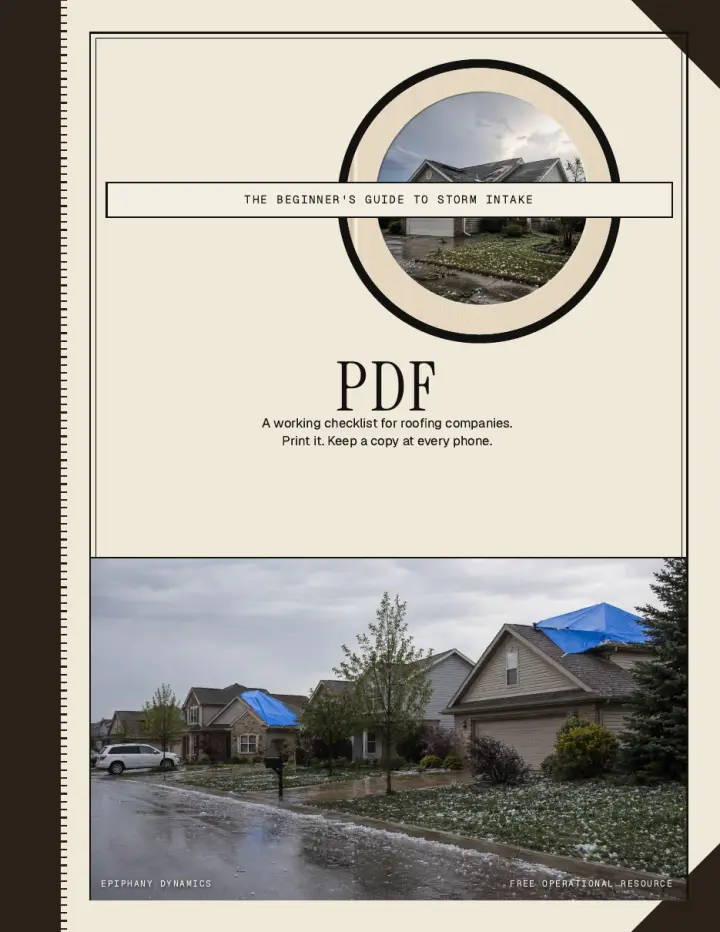
Storm Surge Beginner's Guide
A working beginner guide for roofing storm intake: capture the caller, sort the work, route it, and log it the same day.
AI-agent-ready. Hand this file to your AI agent and it can work from it.
Download file
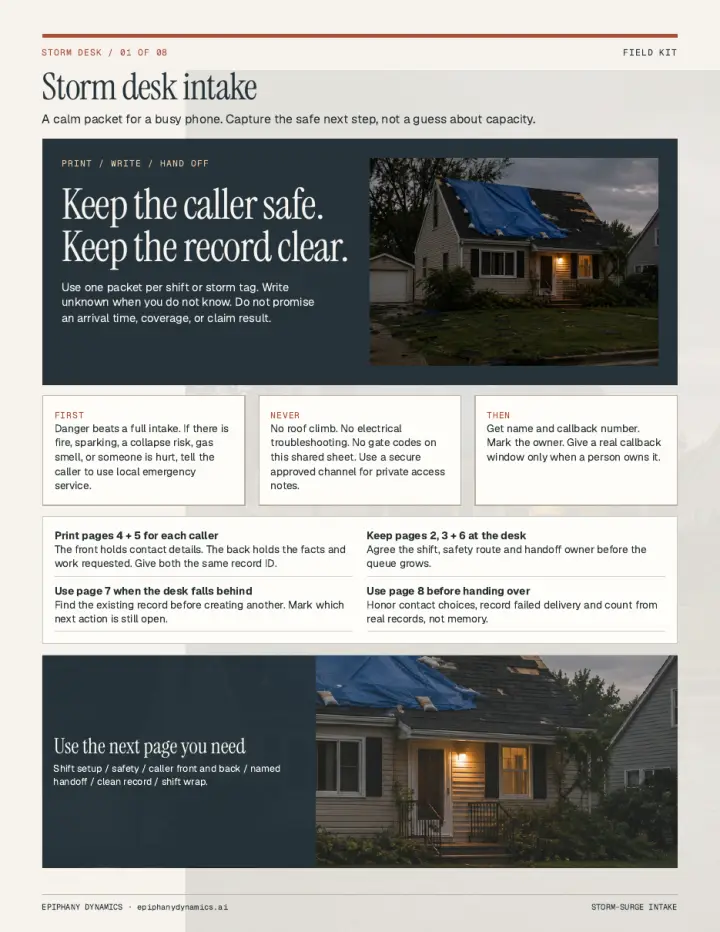
Storm Surge Intake Checklist
A printable storm-desk packet. Capture the next safe step for each caller without guessing capacity or promising an arrival time.
AI-agent-ready. Hand this file to your AI agent and it can work from it.
Download file
Roofing AI Receptionist Call Flow
A roofing call-flow spec, not a script. Emergency, storm, estimate, and existing-job branches, with fields that must land in the CRM.
AI-agent-ready. Hand this file to your AI agent and it can work from it.
Download file
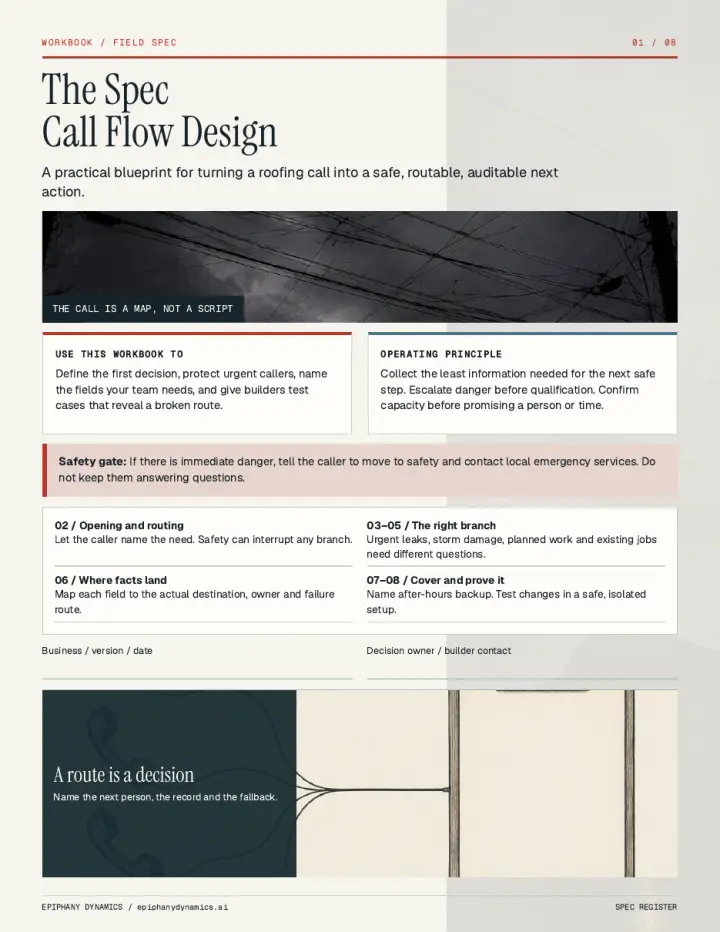
The Spec: Call Flow Design
A workbook for turning a roofing call into a safe, routable next action, including fields, after-hours cover, and test cases.
AI-agent-ready. Hand this file to your AI agent and it can work from it.
Download file
Excel
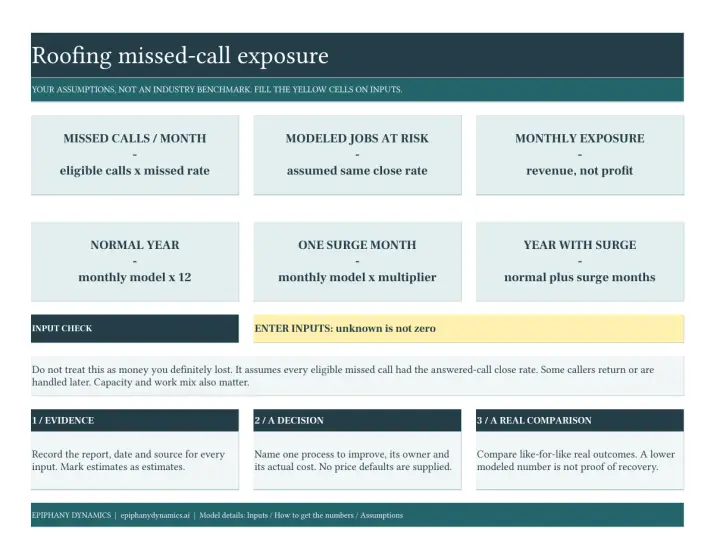
Roofing Missed Call Calculator
Enter your call volume, miss rate, job value, and close rate. The sheet models missed-call exposure, including a storm week.
AI-agent-ready. Hand this file to your AI agent and it can work from it.
Download file
Excel
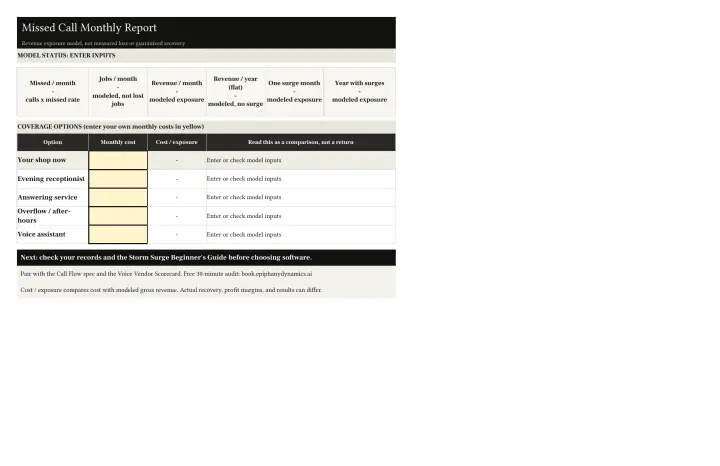
Missed Call Monthly Report
A monthly exposure model you fill with your own numbers. Compare coverage options without treating the result as guaranteed recovery.
AI-agent-ready. Hand this file to your AI agent and it can work from it.
Download file
Voice launch and vendors
Use these with your team in week one, or take the scorecard into a vendor demo.
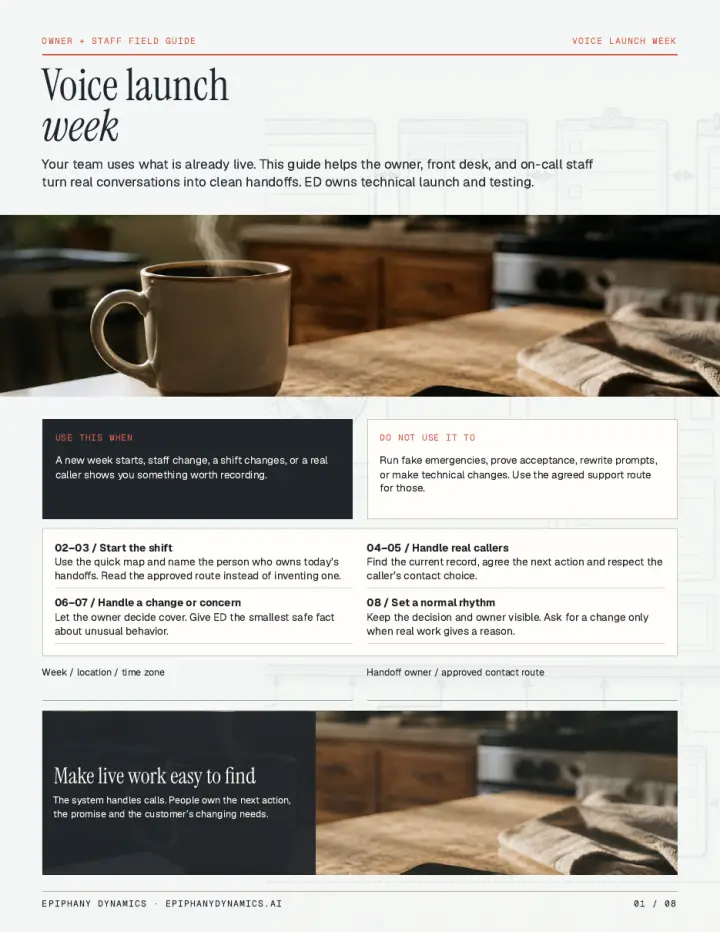
Voice Launch Week
Owner and staff field guide for a live voice system: shift handoffs, real callers, and when a change is worth asking for.
AI-agent-ready. Hand this file to your AI agent and it can work from it.
Download file

Voice Vendor Scorecard
Take this to any voice-vendor demo. Score yes, partial, or no against a real test call, not a slide deck.
AI-agent-ready. Hand this file to your AI agent and it can work from it.
Download file
Working with your AI agent
Standing instructions, rules, filing, and what to do when a job stops. Written so an AI agent can follow them.
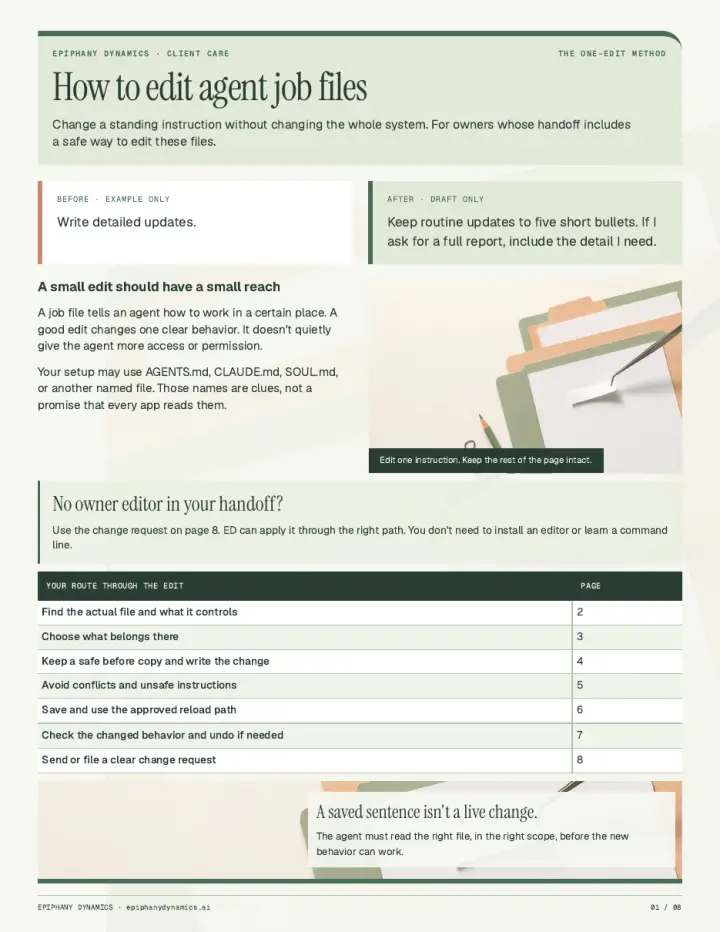
How to Edit Agent Job Files
Change one standing instruction without opening extra access. A small edit should have a small reach.
AI-agent-ready. Hand this file to your AI agent and it can work from it.
Download file
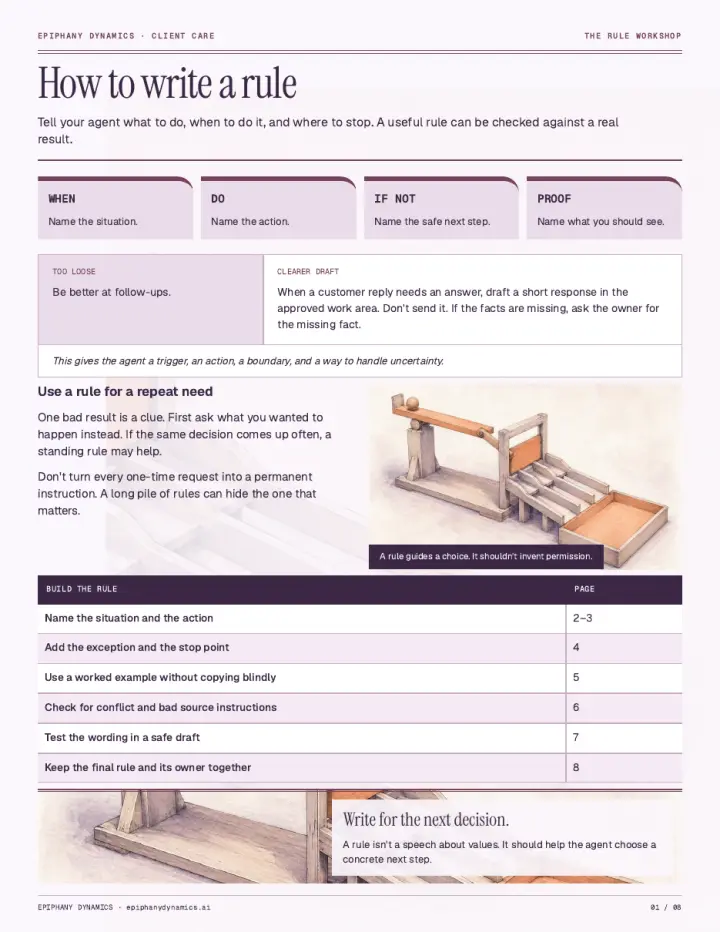
How to Write a Rule
Tell your agent what to do, when to do it, where to stop, and how you will check the result.
AI-agent-ready. Hand this file to your AI agent and it can work from it.
Download file
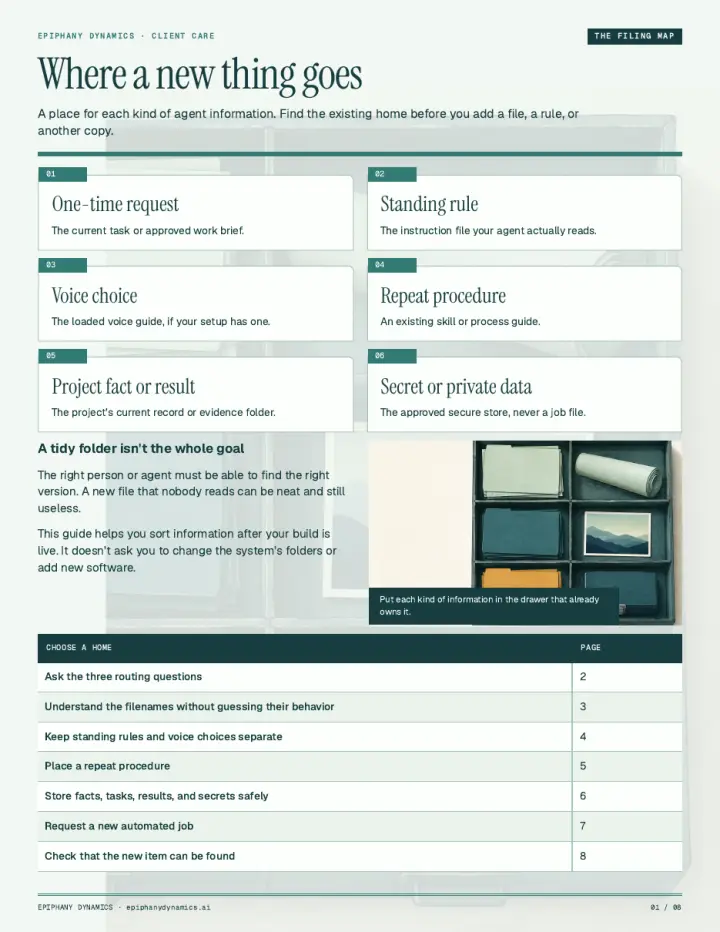
Where a New Thing Goes
A filing map for agent information. Find the existing home before you add a file, a rule, or another copy.
AI-agent-ready. Hand this file to your AI agent and it can work from it.
Download file
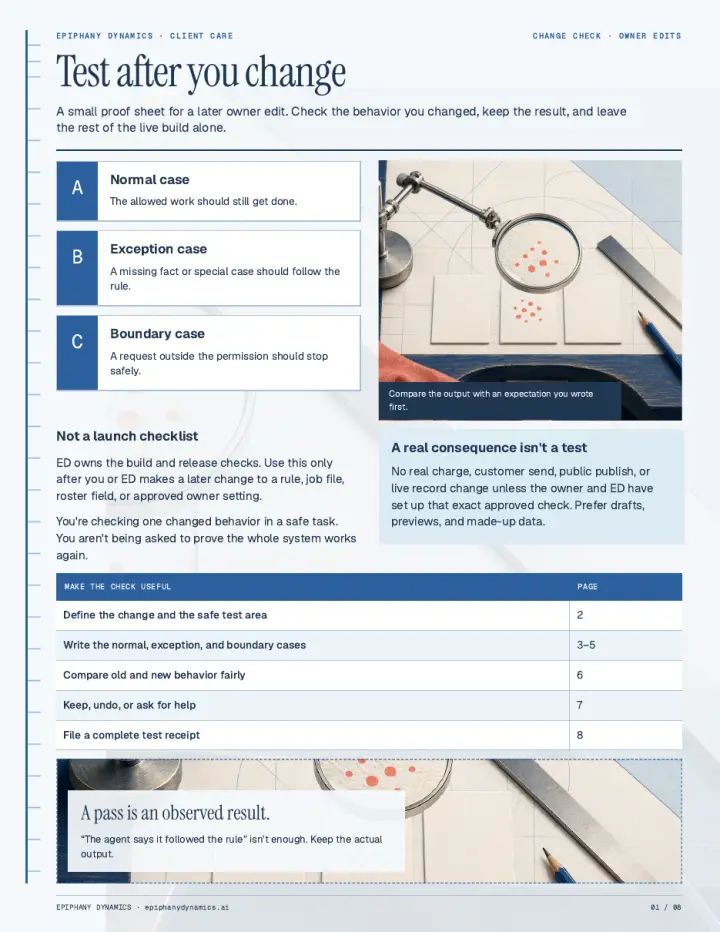
Test After You Change
A proof sheet for a later owner edit. Check the one behavior you changed and leave the rest of the live build alone.
AI-agent-ready. Hand this file to your AI agent and it can work from it.
Download file
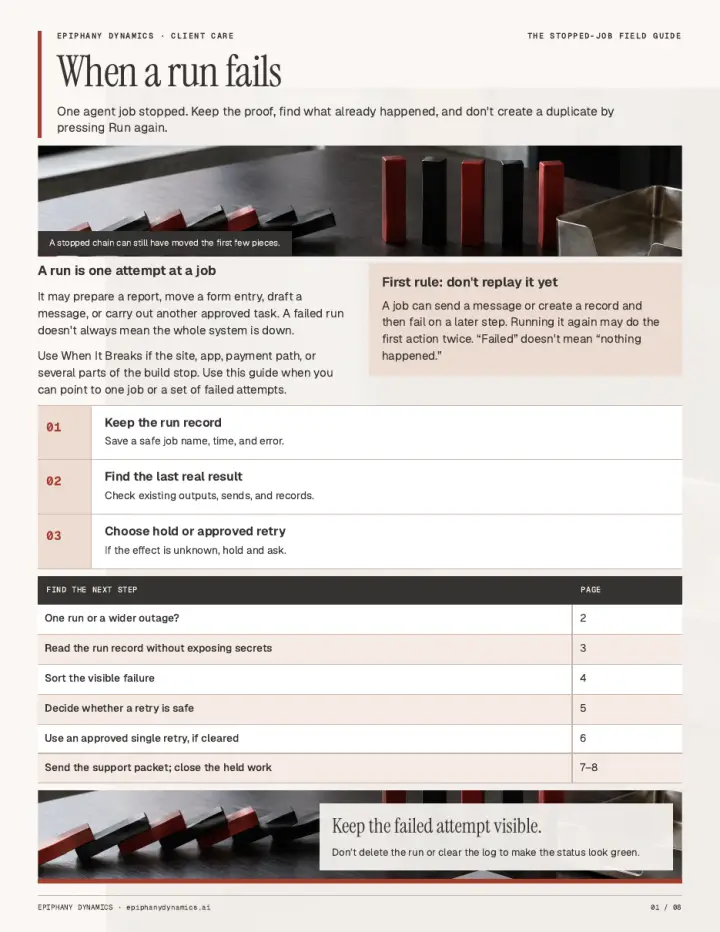
When a Run Fails
One agent job stopped. Keep the proof, see what already happened, and do not create a duplicate by running it again.
AI-agent-ready. Hand this file to your AI agent and it can work from it.
Download file
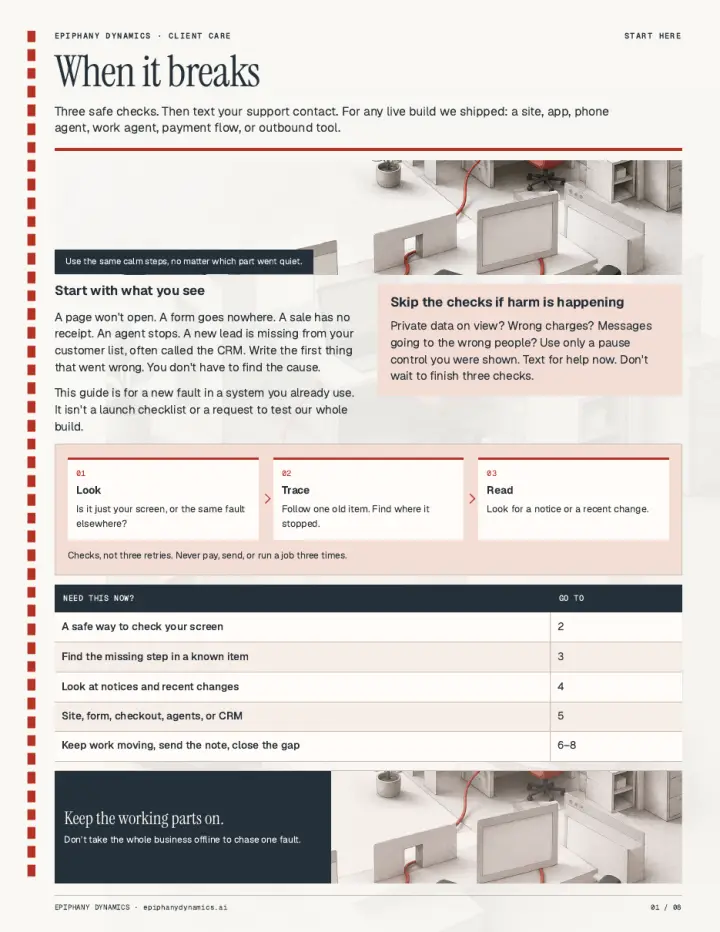
When It Breaks
Three safe checks, then text your support contact. For a live site, app, phone agent, work agent, payment flow, or outbound tool.
AI-agent-ready. Hand this file to your AI agent and it can work from it.
Download file
Access, cover, and bills
People, after-hours cover, and the services behind a live build. Names and labels only. No passwords on the page or in the sheet.
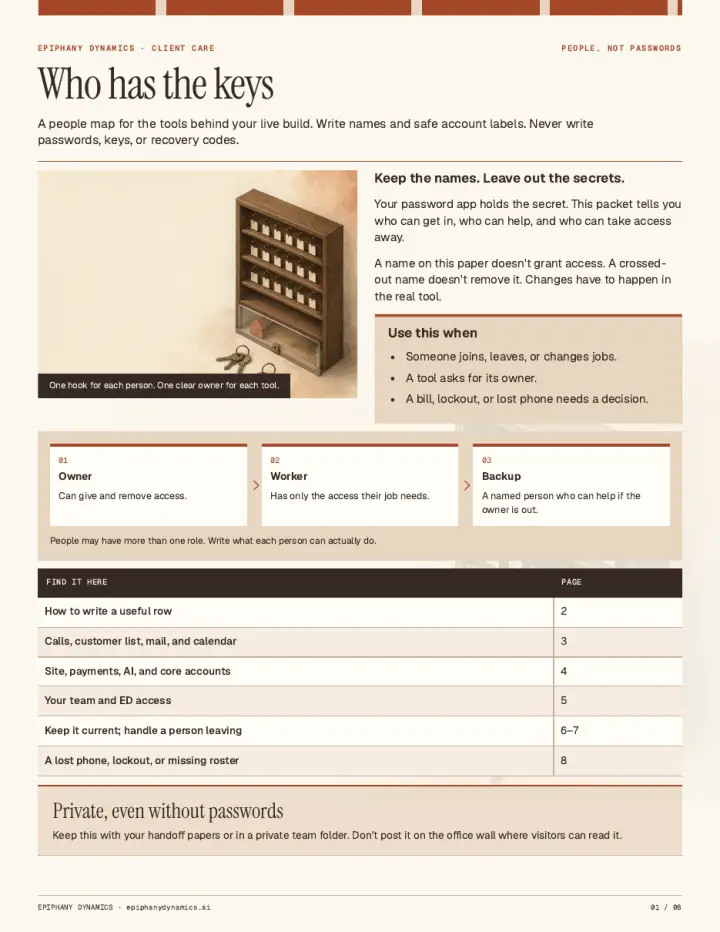
Who Has the Keys
A people map for the tools behind a live build. Write names and account labels. Never write passwords, keys, or recovery codes.
AI-agent-ready. Hand this file to your AI agent and it can work from it.
Download file
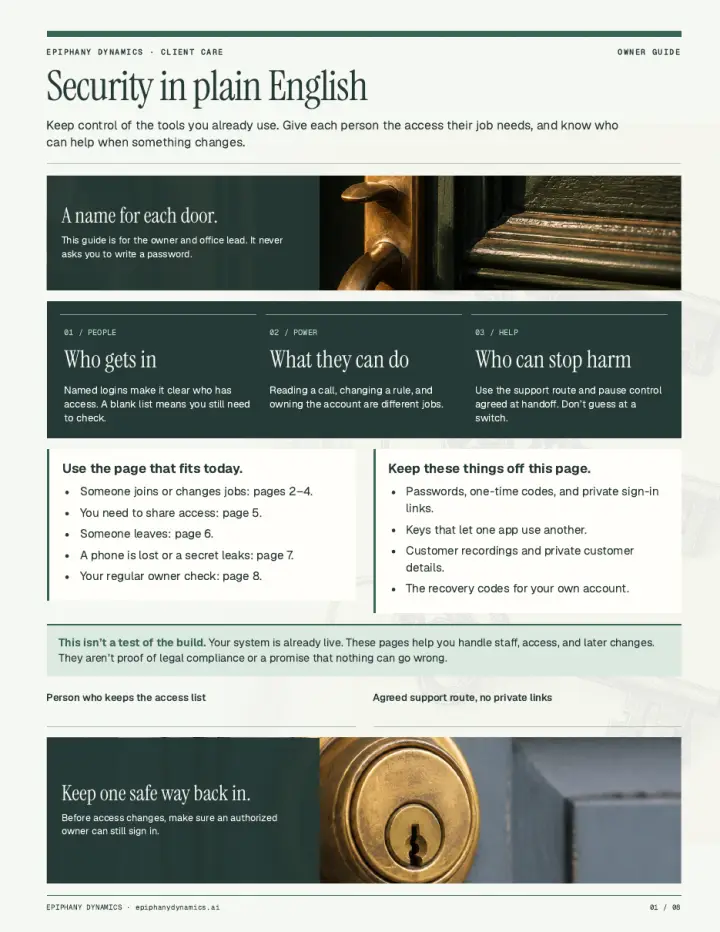
Security in Plain English
Keep control of the tools you already use. Who gets in, what they can do, and who can help when something changes.
AI-agent-ready. Hand this file to your AI agent and it can work from it.
Download file
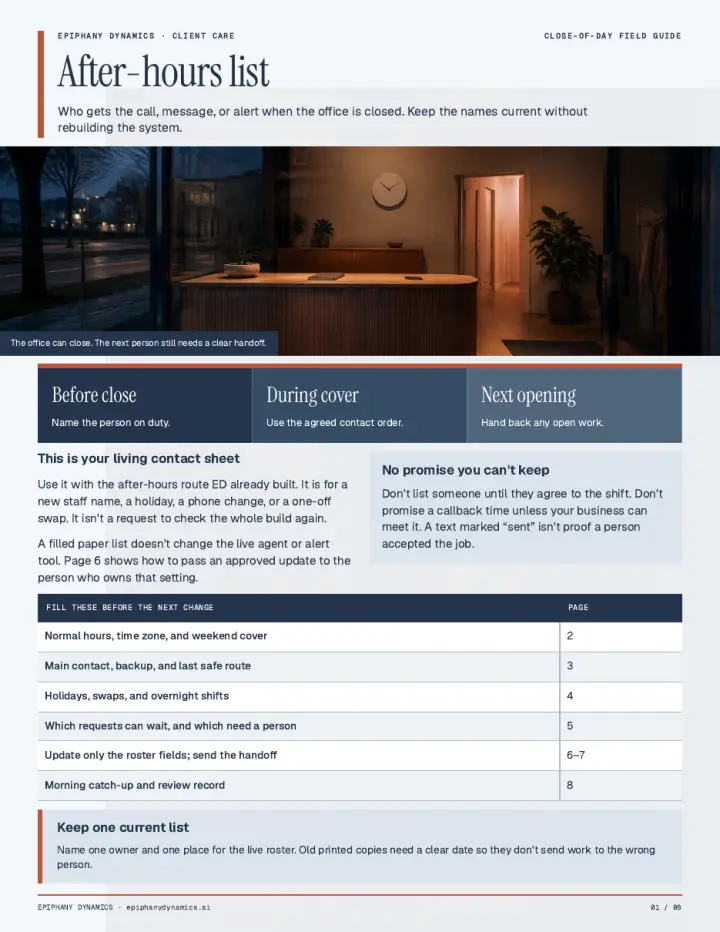
After-Hours List
Who gets the call, message, or alert when the office is closed. Keep the names current without rebuilding the system.
AI-agent-ready. Hand this file to your AI agent and it can work from it.
Download file
Excel
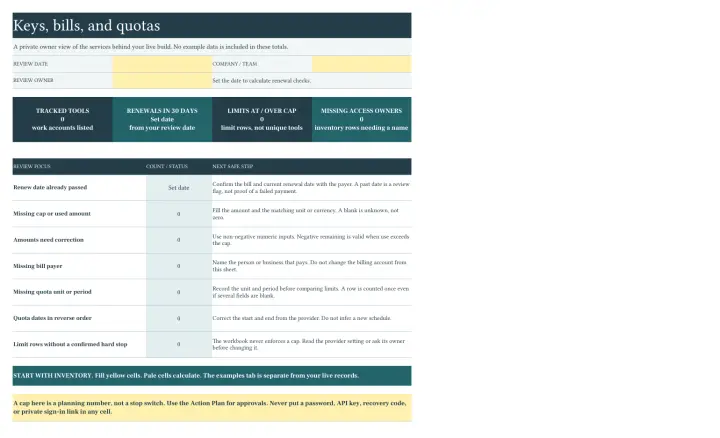
Keys, Bills, and Quotas
A private owner sheet for the services behind a live build: who pays, renewal dates, and usage caps. Never store a password here.
AI-agent-ready. Hand this file to your AI agent and it can work from it.
Download file
Related Reading
Background on the problems these resources address.
Explore the resource library
Guides, tools, and comparisons for the question you are working through.
- Automation guides Plan the workflow, the handoffs, and the first build.
- Planning tools Work through readiness, costs, and priorities using your own inputs.
- Integrations Review how your existing tools can connect.
- Alternatives Compare software options with a custom automation build.
- Service comparisons Compare Epiphany Dynamics with other front desk services.
- Software evaluation guides Review the questions to ask before choosing automation tools.
- Industries Find workflows for your type of business.
- Locations Explore the markets Epiphany Dynamics serves.
No matches.
Want the Workflow Reviewed?
Epiphany Dynamics runs a free 30-minute AI audit covering your current answer rate, call pattern, and CRM setup.